You receive a quotation in Word, a price list in Excel, an email forwarded as an Outlook file. Odoo shows them in the chatter, but it cannot open them.
If your team works with Office files every day, you know the routine:
- You click the attachment, and Odoo downloads it instead of showing it.
- You open the file in Word or Excel, read one number, and close it.
- Your Downloads folder fills up with quotation (7).docx.
- On a tablet or a computer without Office, you simply cannot read the file.
Ten times a day, for everyone in the company. That is a lot of wasted clicks for a two-second look at a document.
One click, and the file is on your screen
Office Preview for Attachments makes Office files behave like PDFs in Odoo: click, and the document opens instantly in the preview window.
Before
Click. Download. Find the file. Open Word. Read. Close. Delete. Repeat.
After
Click. Read. Done.
Word, Excel, PowerPoint and Outlook files (docx, xlsx, pptx, msg, eml) open directly in the chatter, exactly where they arrived. Nothing to install on your computer, and nothing leaves your server: the preview is built entirely inside Odoo, with no external service involved.
Read Word documents where they arrive
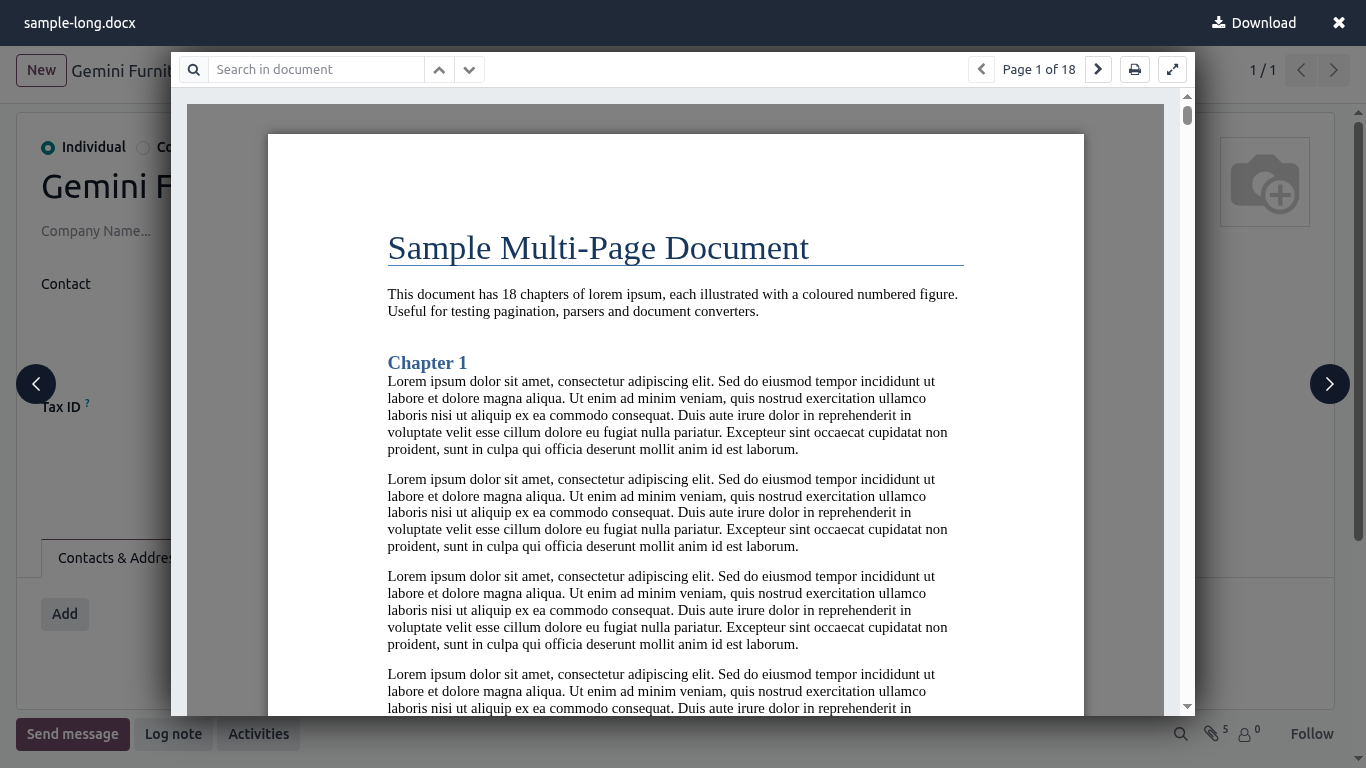
A customer sends a contract in Word? Open it in the chatter of the sales order, with the layout, tables and images intact. You check the clause, answer the customer, and never leave the page.
Check an Excel sheet without opening Excel
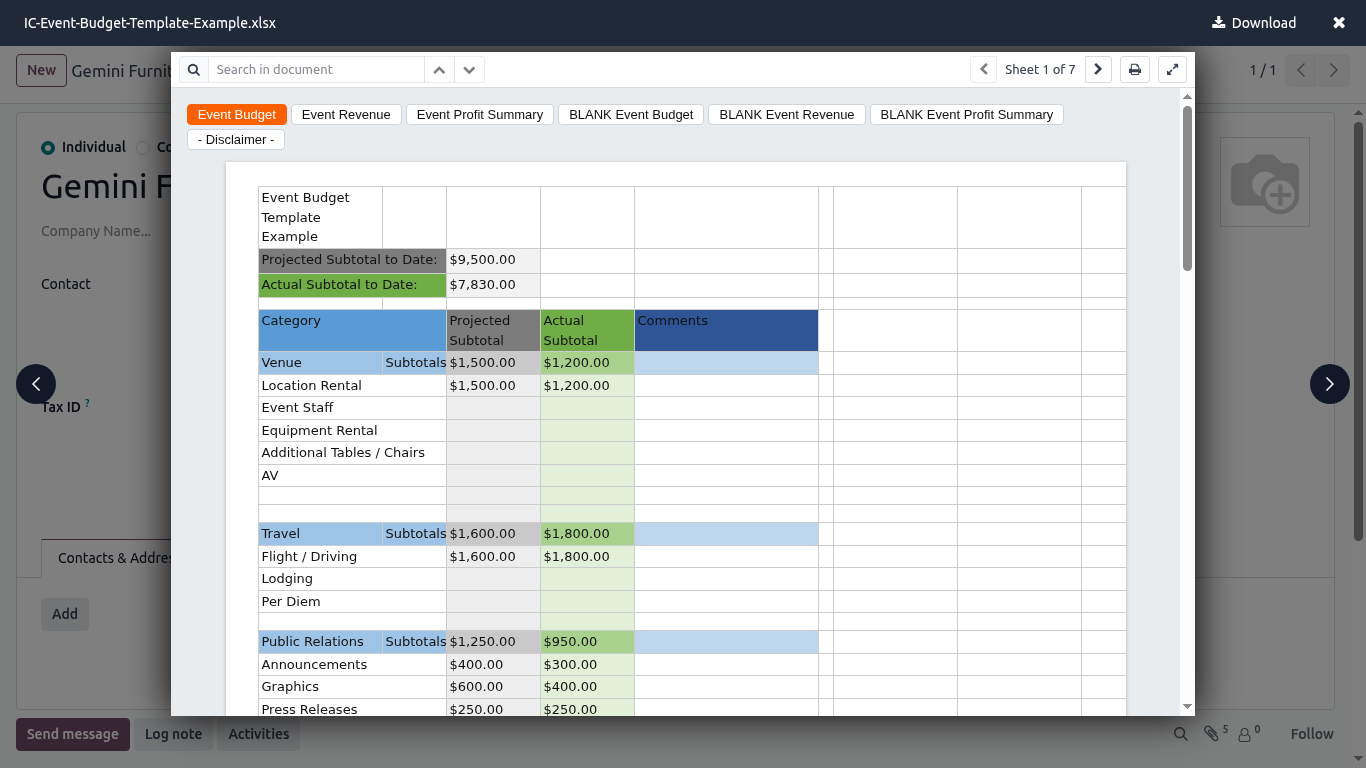
Price lists, stock counts, bank details: read the numbers directly in Odoo, sheet by sheet. No download, no security warning, no waiting for Excel to start.
Open Outlook emails your customers forward
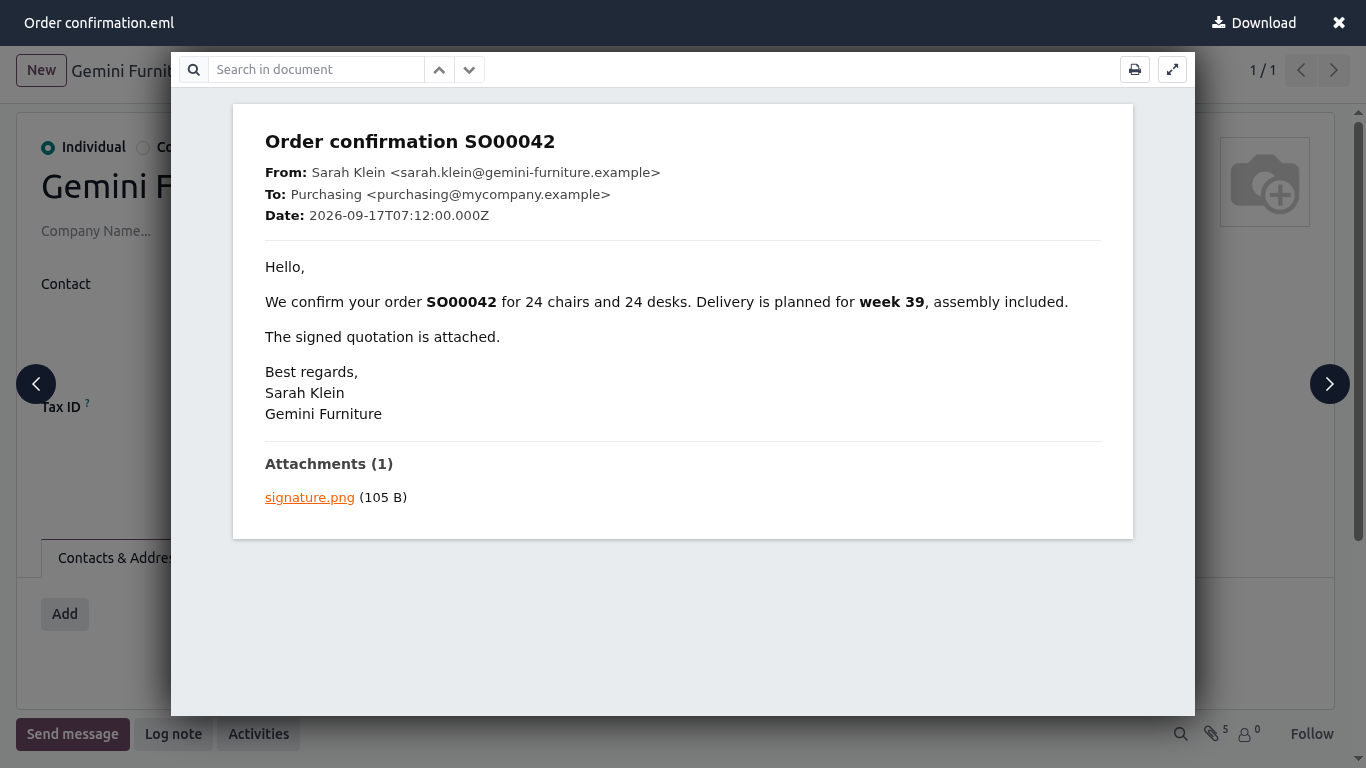
Customers love forwarding old emails as .msg files. Odoo cannot read them. This module can: the message, its formatting and its own attachments open like any other document.
Your documents stay on your server
Many preview tools send your files to a cloud service to convert them. Not this one. Your contracts and price lists never leave your Odoo server: a real difference when documents are confidential.
100% tested, satisfied or refunded
The module ships with automated tests. No risk, no questions.
Up and running in one minute
Install it from the Odoo Apps Store like any other app: there is nothing to configure. It works for every user immediately, in the chatter and in the attachment viewer. Available for Odoo 18, 19 and 20, for a one-time 10 € per version.
Stop downloading, start reading
Every download you skip is a few seconds saved, and your team skips hundreds of them every week.
See all our modules on the SHARQIX apps page.
Questions before buying? Write to support@sharqix.com, we answer fast.