
10.00 €
Office Preview for Attachments
Open Word, Excel, PowerPoint and Outlook attachments in the chatter, without downloading them and without any external service.
Get it on Odoo Apps
Manufacturing
Auto print scenarios for Manufacturing: production order when confirmed, work order sheet when it starts, finished product labels per lot or per unit in ZPL or PDF, package labels.
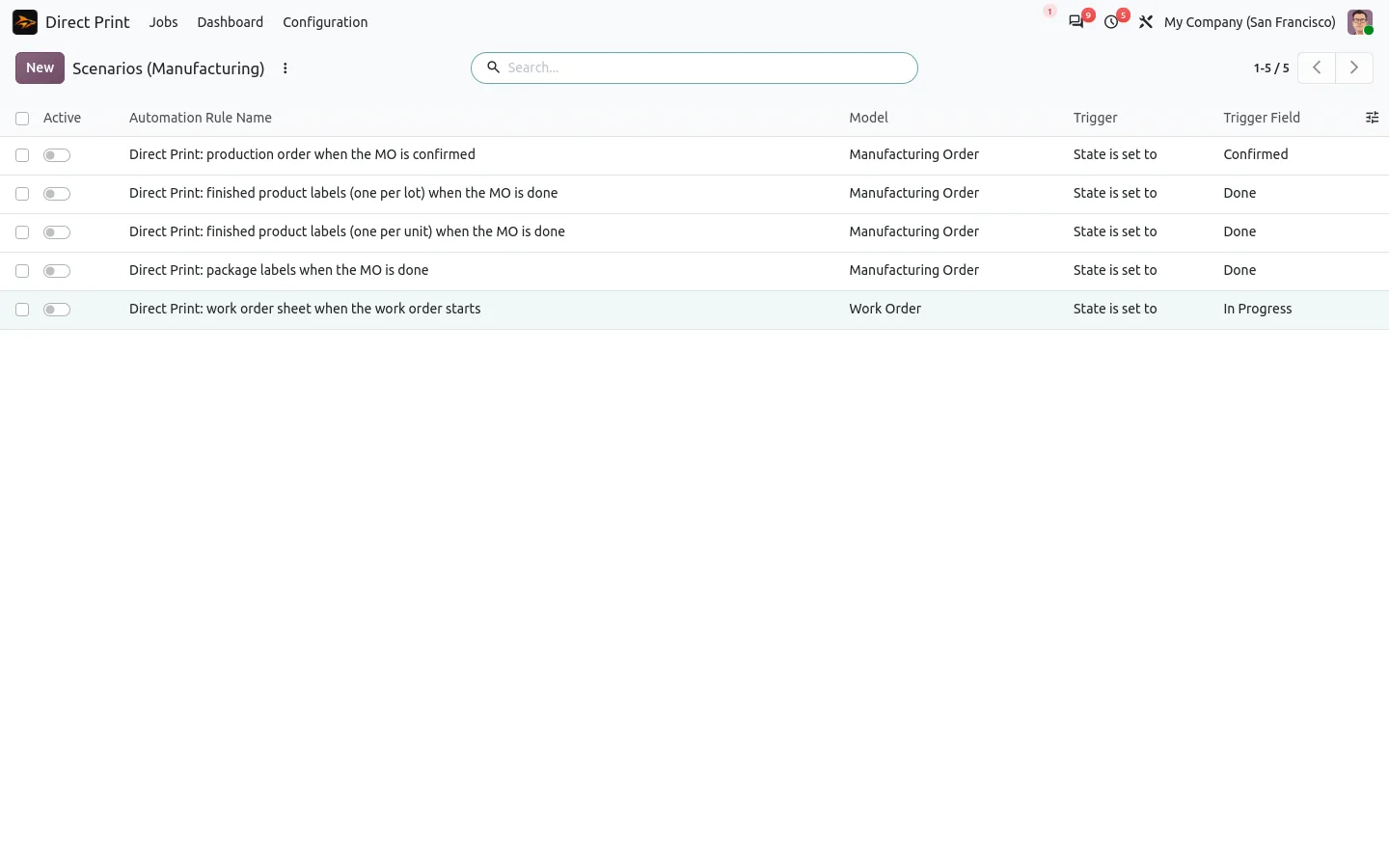
In standard Odoo, the production order is printed by hand before the job goes to the workshop, and finished product labels need a wizard, a format and a download. With this companion of Direct Print, confirming a manufacturing order prints its sheet on the workshop printer, and marking it done sends a label for each lot or serial number to the Zebra.
Labels go in raw ZPL when the label printer reads it, and as a PDF sheet otherwise. If a label cannot be printed, the order is still done and the error is logged.
Documentation and installation are on the page of your Odoo version.
On the shop floor, nobody has time to download a PDF. Here is how Odoo can print production sheets and lot labels by itself, at the right step and on the right printer.
Read the articleDirect Print, yes: the queue, the agent and the printers come from it. Direct Print for Inventory, no: the two companions work alone. Add it to print delivery slips and carrier labels as well.
Any Zebra or ZPL compatible printer for raw labels, and any printer for PDF labels, through the Direct Print agent.
Open Word, Excel, PowerPoint and Outlook attachments in the chatter, without downloading them and without any external service.
Get it on Odoo Apps
Search the chatter as you type, filter notes, emails and logs, reply in threads, get reminded and hide the chatter in one click.
Get it on Odoo Apps
The same office preview in the kanban, list and activity views of Documents, with readable thumbnails.
Get it on Odoo Apps