Skip to Content
Chatter Filter and Search

Discuss

Chatter Filter and Search

Search the chatter as you type, filter notes, emails and logs, reply in threads, get reminded and hide the chatter in one click.
  • Free
  • Odoo 18.0
  • Odoo 19.0
  • Odoo 20.0

Screenshots

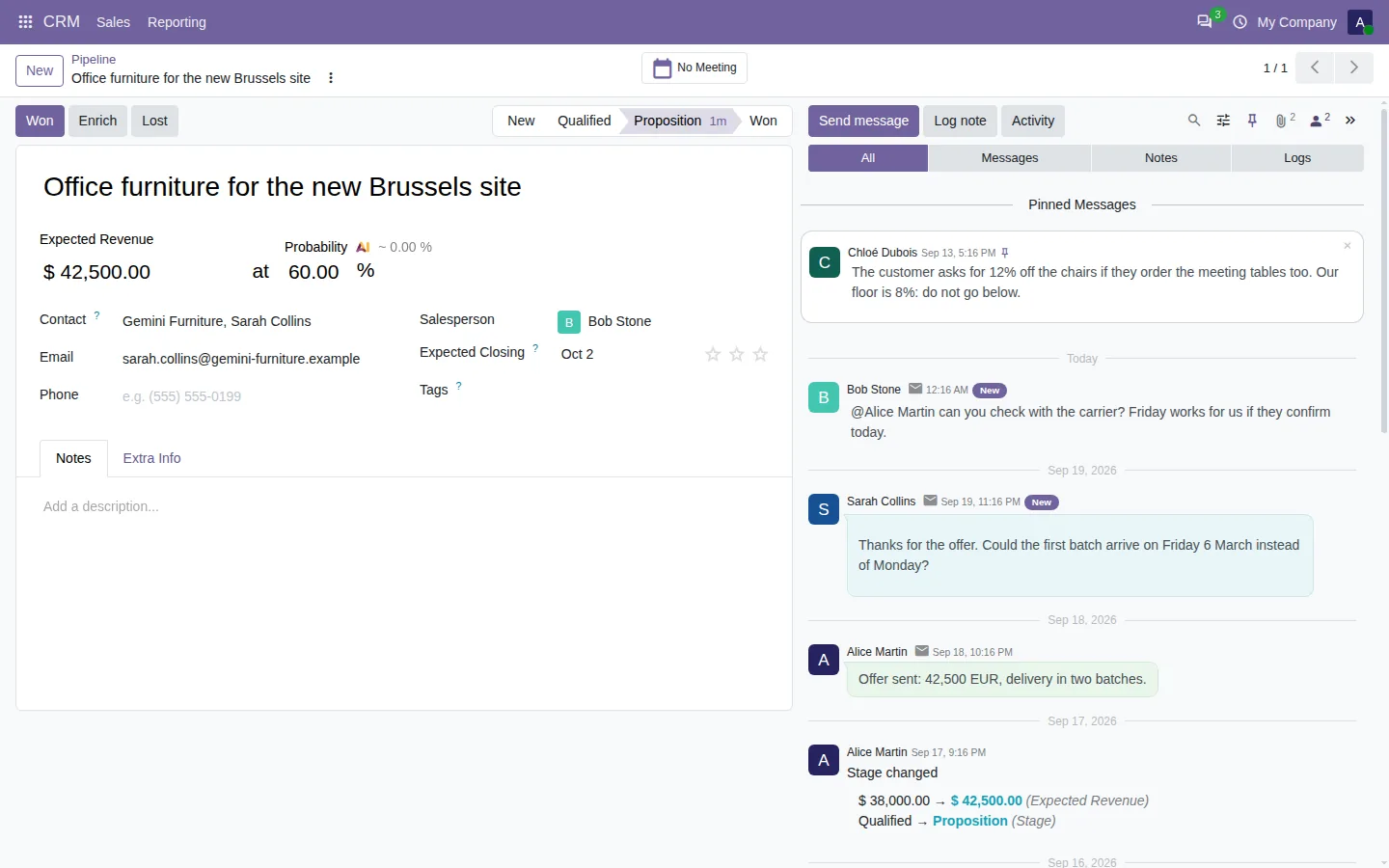
Odoo chatter with a pinned message and new messages flagged since the last visit
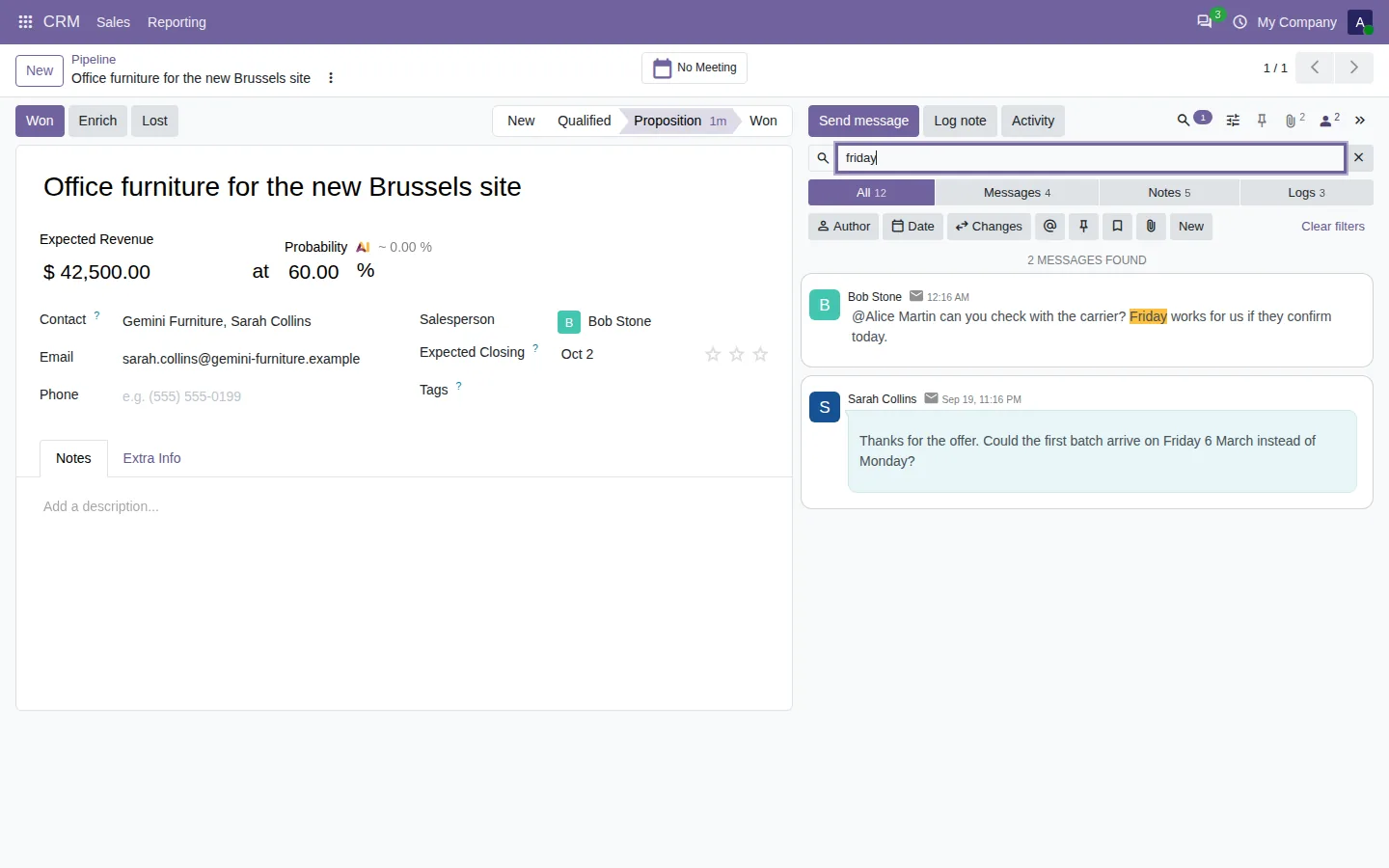
Search as you type in the Odoo chatter, with the words highlighted
Chatter filter showing only the internal notes of a CRM opportunity
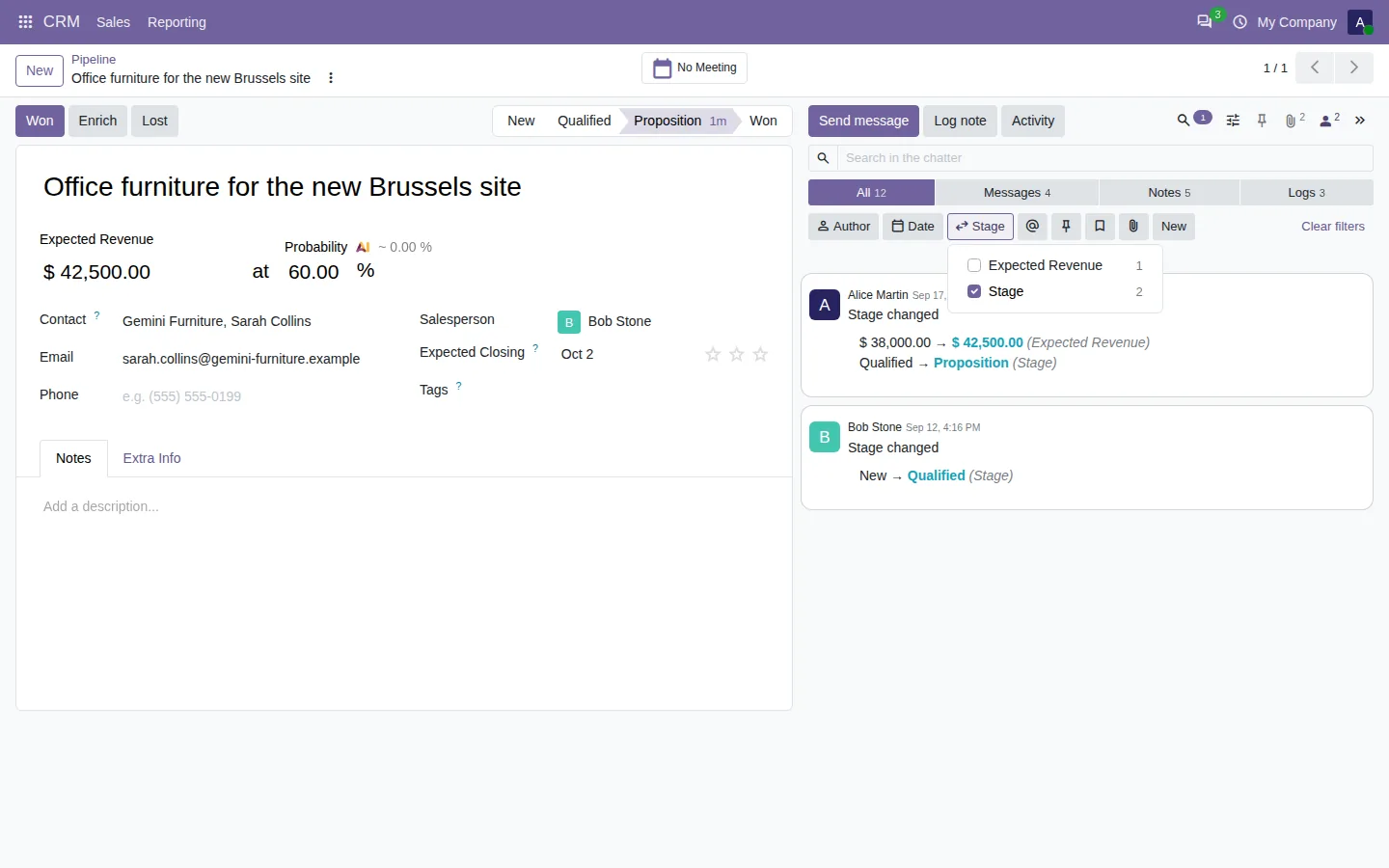
Chatter filtered on the stage changes of an opportunity
Remind me and create an activity in the menu of a chatter message
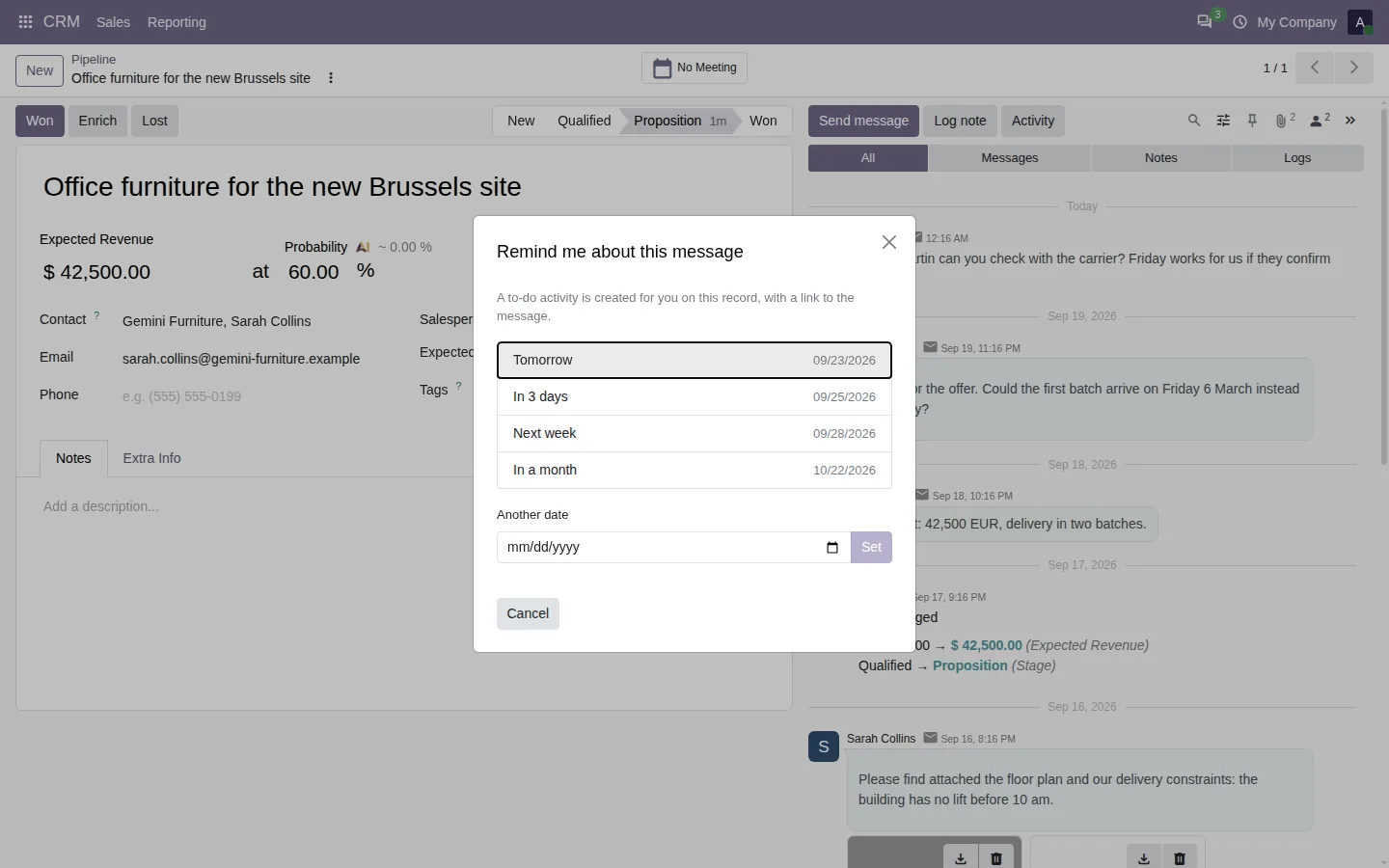
Remind me about a chatter message: tomorrow, in 3 days, next week
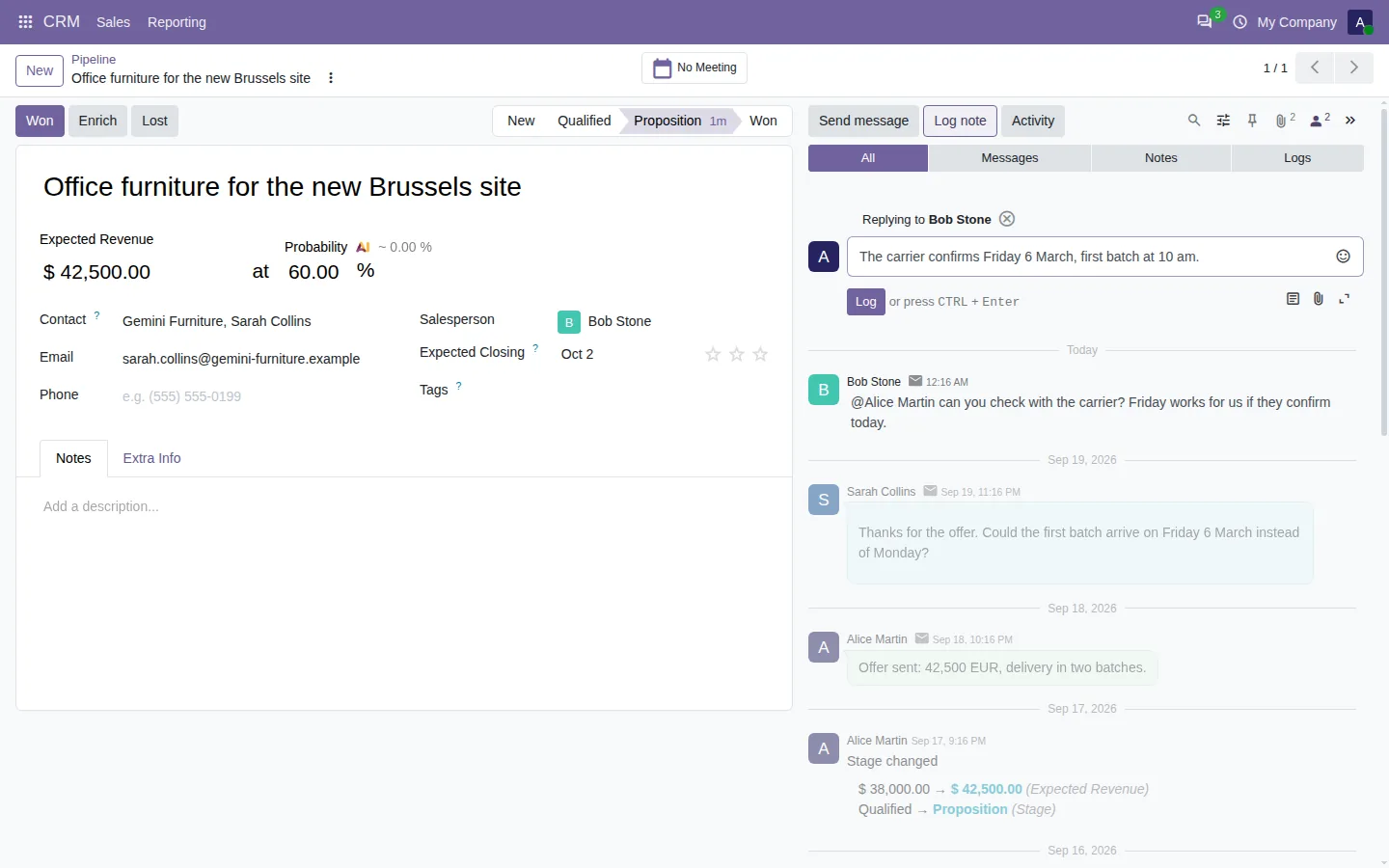
Reply to an internal note in the Odoo chatter
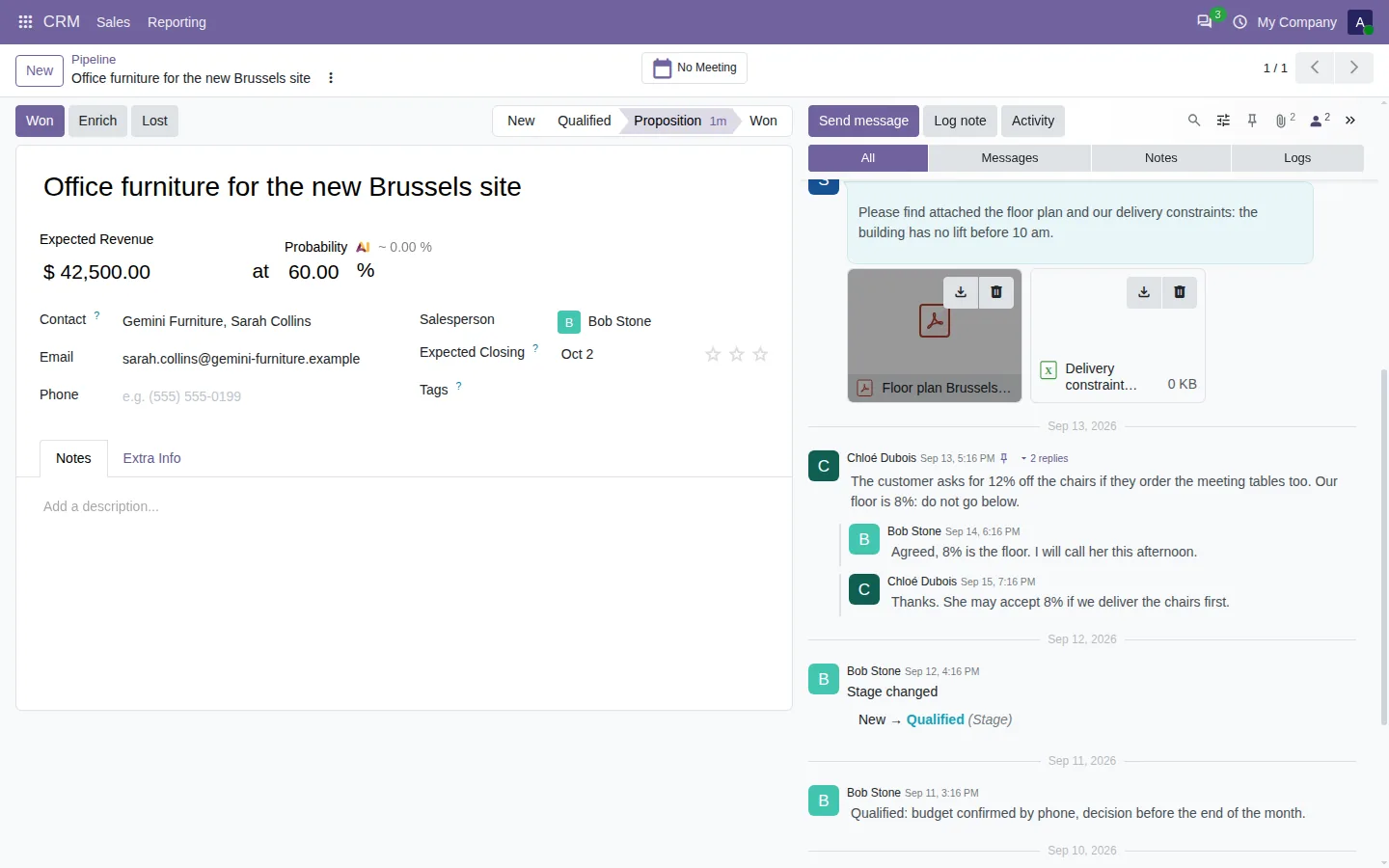
Threaded replies below a note in the Odoo chatter
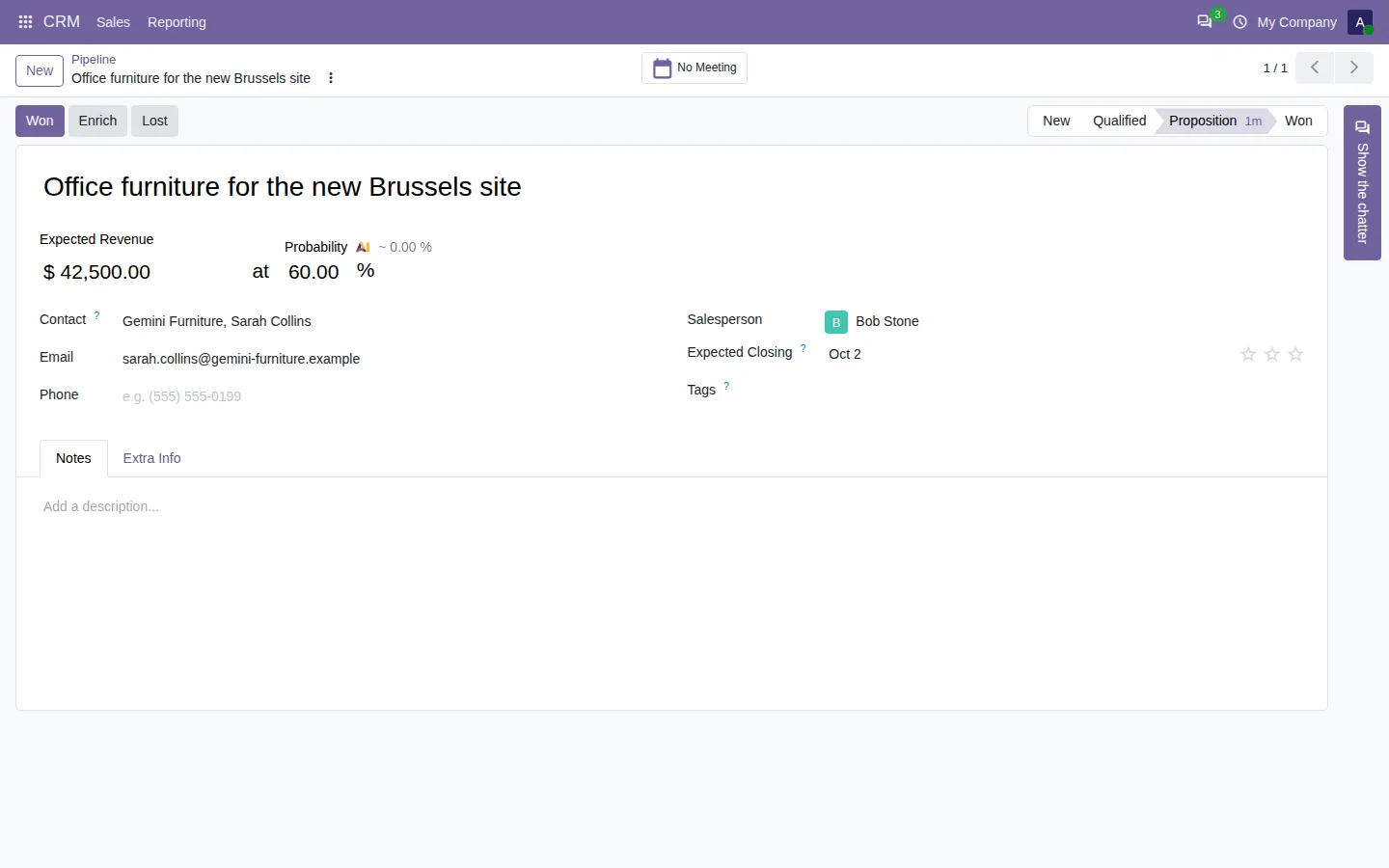
Odoo form with the chatter hidden and the strip that shows it again
Chatter position, hide system logs, full screen and export options
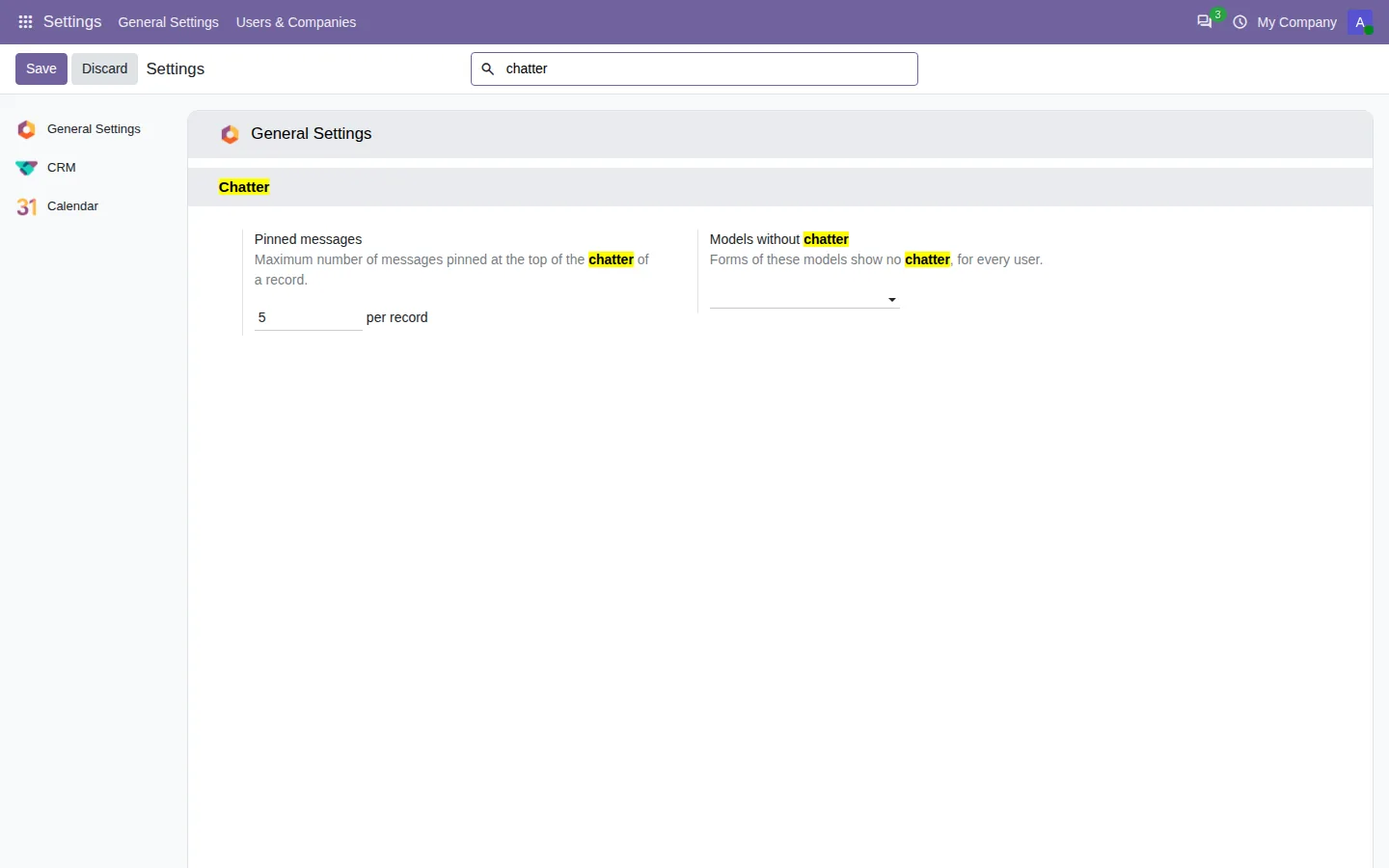
Chatter settings in the Odoo general settings

Search and filter the Odoo chatter

On a busy record, customer emails, internal notes and field changes pile up in one long stream. This app adds a search and filters to the standard chatter:

  • Search as you type in the text, the author, the sender email, the file names and the old and new values of changed fields, over the whole history of the record.
  • One click shows only the messages, the notes or the logs, each with its count.
  • Filter by author, by date, by the messages that mention you, with files, or new since your last visit.
  • Field history: pick Stage or Expected Revenue and read every change of that field.

Change the chatter position, or hide it

Each user chooses where the chatter sits: on the side, even on a laptop screen, or below the form. Drag its edge to widen it, open it full screen, or hide it in one click to give the whole width back to the form, for every record or record by record. The choice follows the user on any computer.

Pin, remind and reply in threads

  • The Pinned filter finds the pinned messages of the record in one click, and a setting caps how many a record can pin.
  • Remind me creates a to-do activity for a date you choose, with an extract of the message and a link to it.
  • Reply answers a note with a note and an email with an email, and replies stay below the message they answer.
  • Export the chatter to CSV with the filters on screen, or download every attachment of the record in one ZIP file.

Get it on the Odoo Apps Store

Documentation and installation are on the page of your Odoo version.

  • chatter filter
  • chatter search
  • log notes
  • system logs
  • pinned messages
  • reminders
  • threads
  • chatter position

From our blog

How to Search and Filter the Chatter in Odoo: Notes, Emails and Field Changes

A record with two hundred messages, and you need the note about the discount. Here is how to search and filter the Odoo chatter in seconds, from the whole history.

Read the article

Frequently asked questions

What is the difference between Log note and Send message in Odoo?

Send message emails the followers of the record. Log note writes an internal note that is not sent to the followers; only the people you mention are notified. With this app, one click shows only the notes or only the messages.

Does it replace the Odoo chatter?

No. It adds buttons and actions to the standard chatter, so Enterprise and your other chatter apps keep working. Uninstall it and the chatter is exactly as before.

Does the search cover old messages?

Yes. The search and the filters run on the server, so they cover the whole history of the record, not only the messages already loaded on screen.

Can a user see more than before?

No. Filters only narrow what Odoo already shows, and a field change is listed only if the user may read that field.

More Odoo apps by SHARQIX