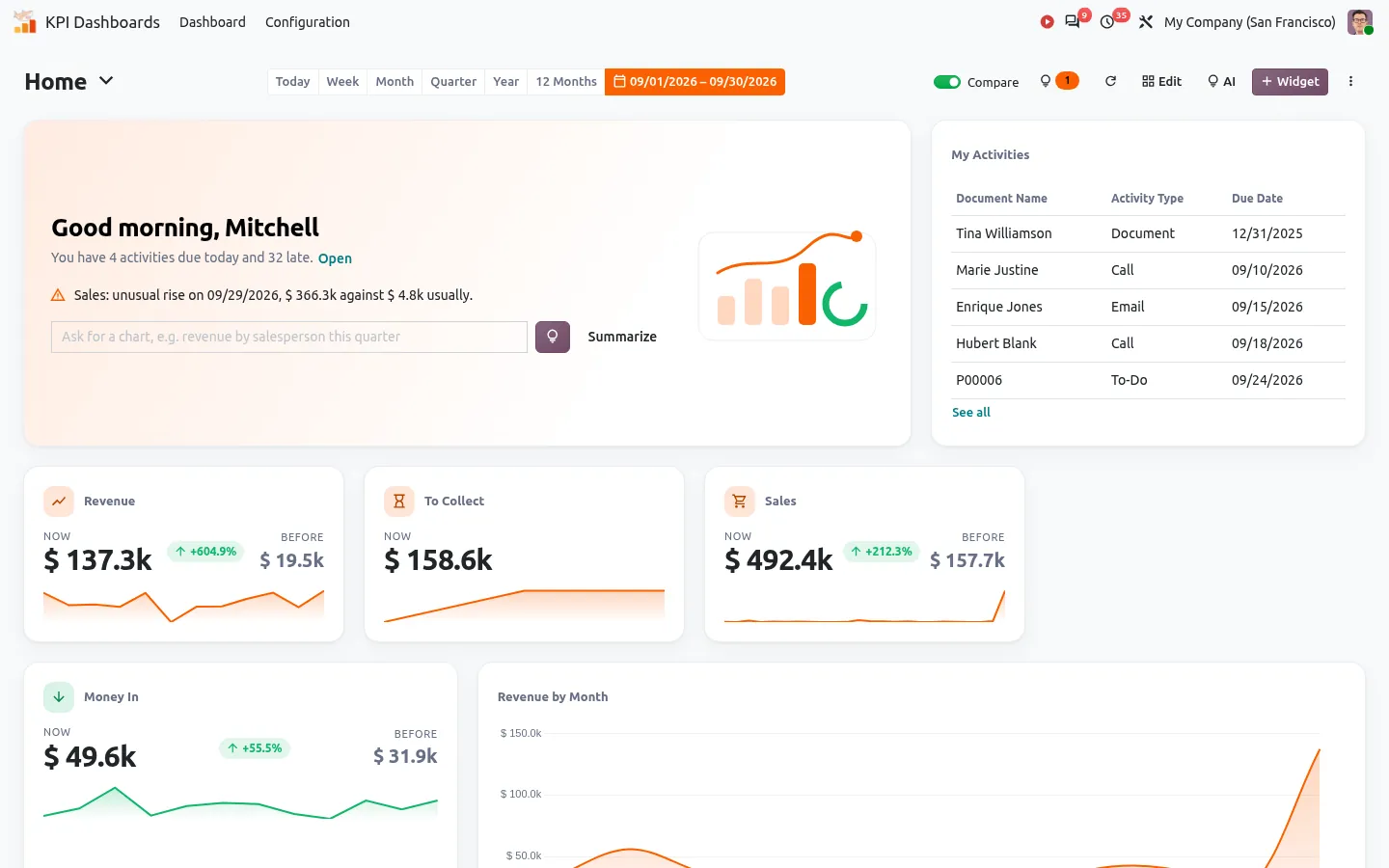

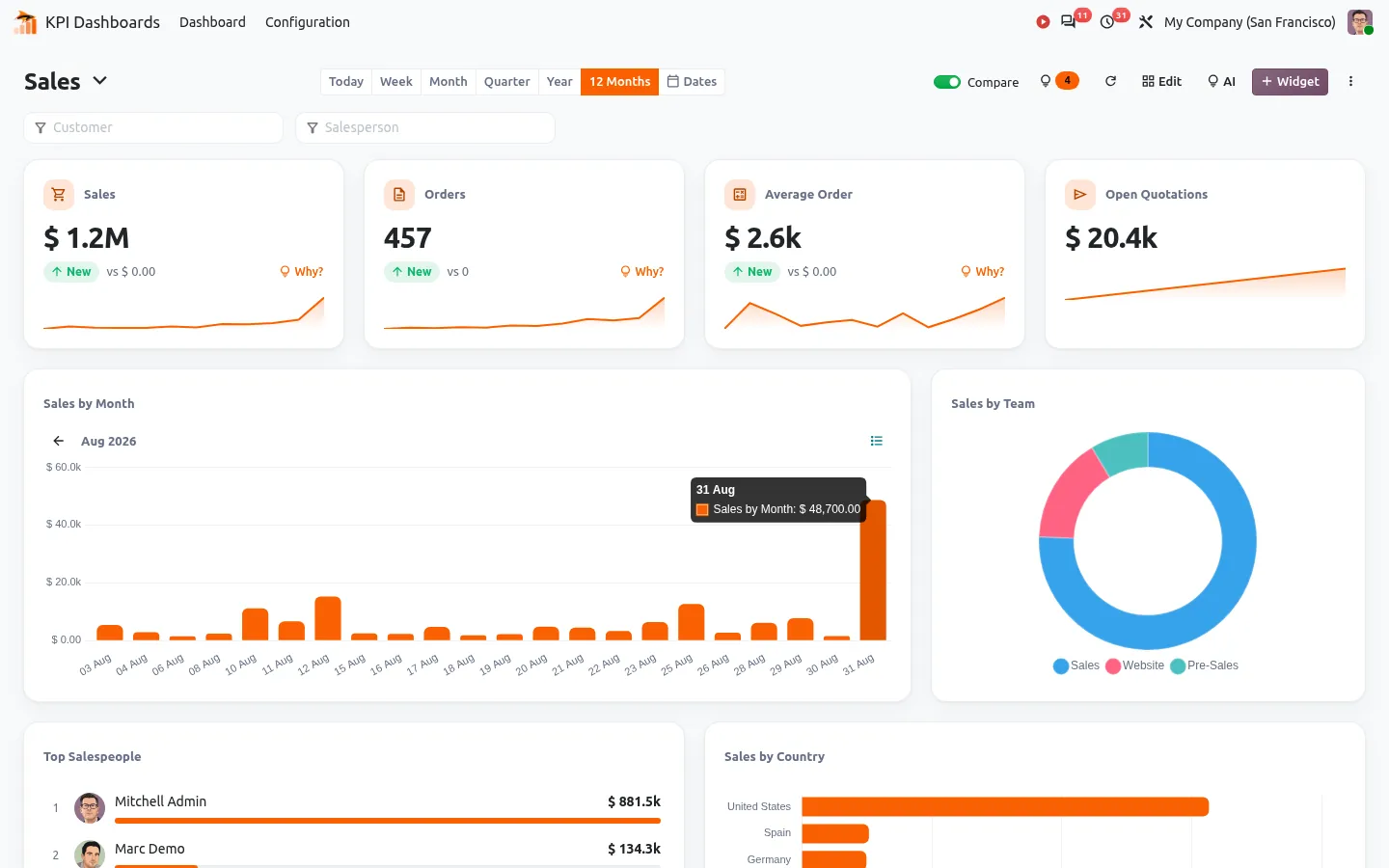
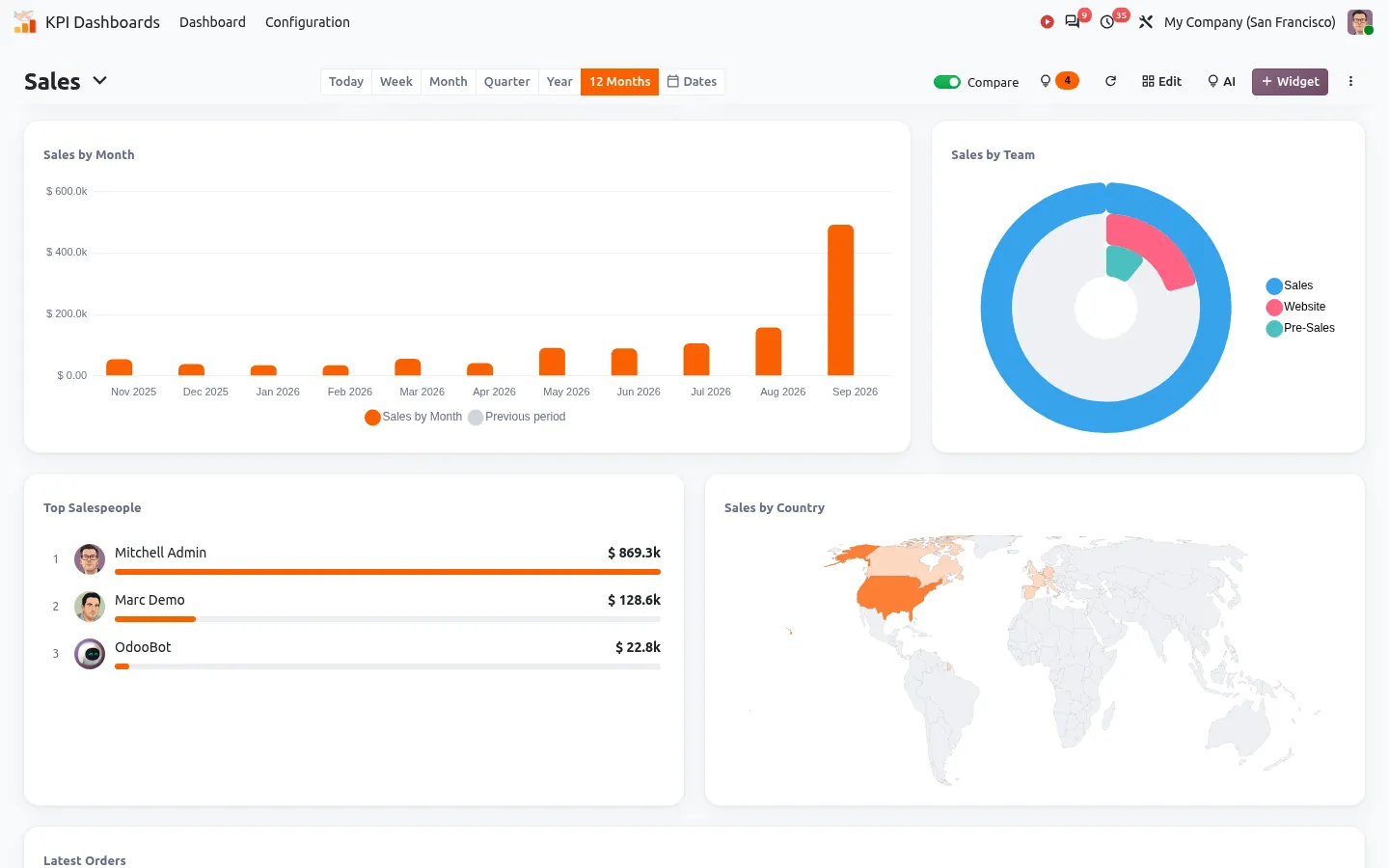
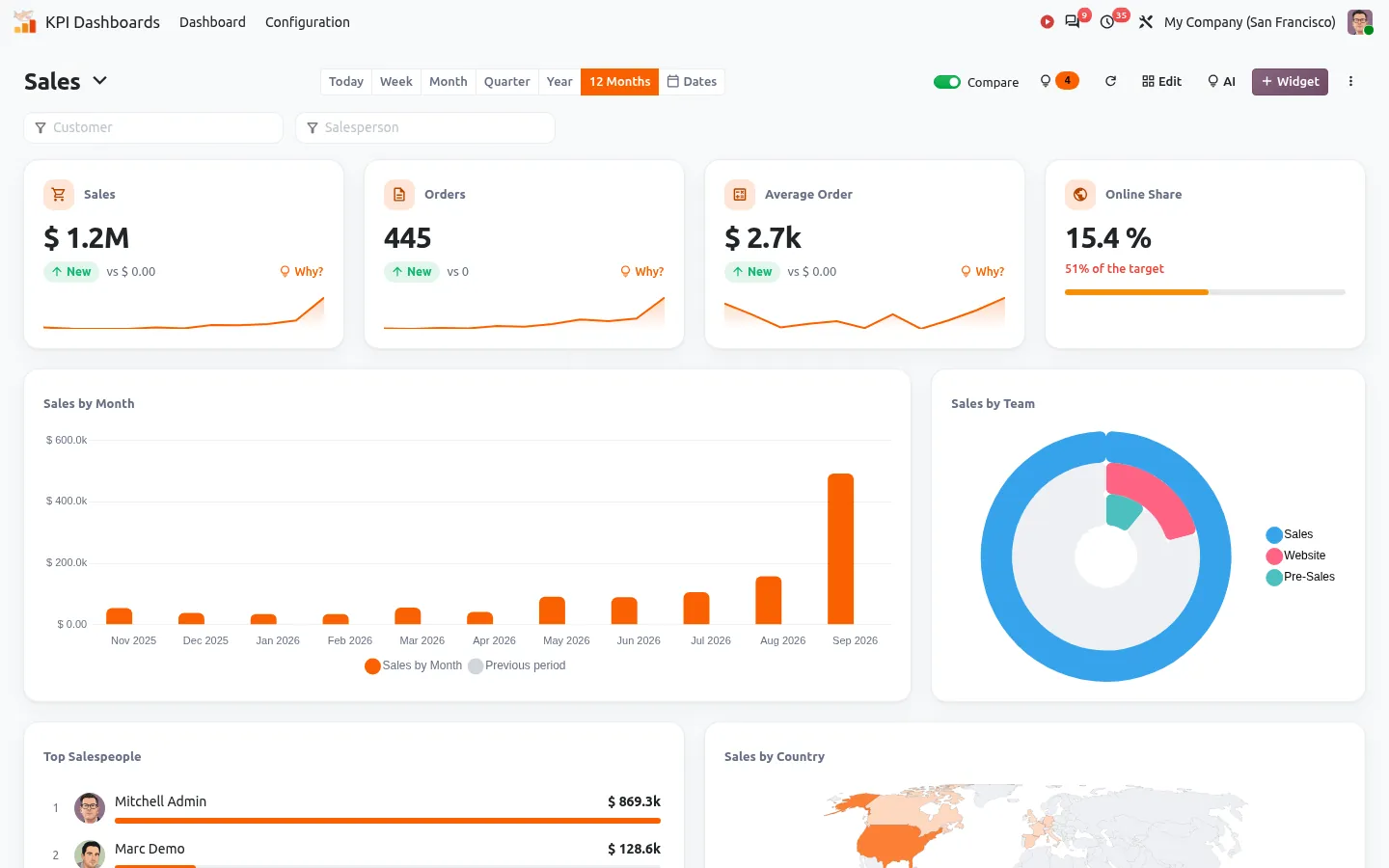


"Will we have enough cash at the end of the month?" Odoo holds the answer: the money on your bank accounts, the invoices customers still owe you, the bills you still have to pay. But no single screen puts them on a timeline. This guide shows what Odoo's reports give you, how to build a quick forecast with what you have, and how to see the next 13 weeks at a glance.
What Odoo gives you
With the Accounting app of Odoo Enterprise, three reports touch on cash:
- The Cash Flow Statement shows where cash came from and where it went, over a past period. Useful for the accounts, but it looks back, not ahead.
- The Aged Receivable and Aged Payable reports sort what customers owe and what you owe by due date: not due, 1 to 30 days late, and so on.
- The Executive Summary has a line called Short term cash forecast: the balance of your receivables plus your payables, as one figure, with no dates and without your bank balance.
These reports belong to Odoo Enterprise. With Odoo Community and the Invoicing app, you have the invoices and bills, but not these accounting reports.
A quick forecast with what you have
On any edition, the invoice lists already hold your future cash:
- Open the customer invoices, filter on To pay, and group by Due Date by week: you see what should come in each week.
- Do the same with the vendor bills: what should go out each week.
- Take the balance of your bank accounts, add the money in, subtract the money out, week after week: in a spreadsheet, that is your forecast.
Where it stops
- The due date is not the payment date: a customer who always pays three weeks late makes your forecast three weeks too optimistic.
- The forecast lives in a spreadsheet: copied on Monday, out of date by Wednesday.
- Nothing starts from your bank balance and shows the line week by week, where you can see the low point coming.
Before
Export the invoices, export the bills, copy the bank balance, rebuild the spreadsheet every Monday.
After
Open the dashboard: the next 13 weeks of cash, from your bank balance, updated live.
A 13-week cash forecast, live
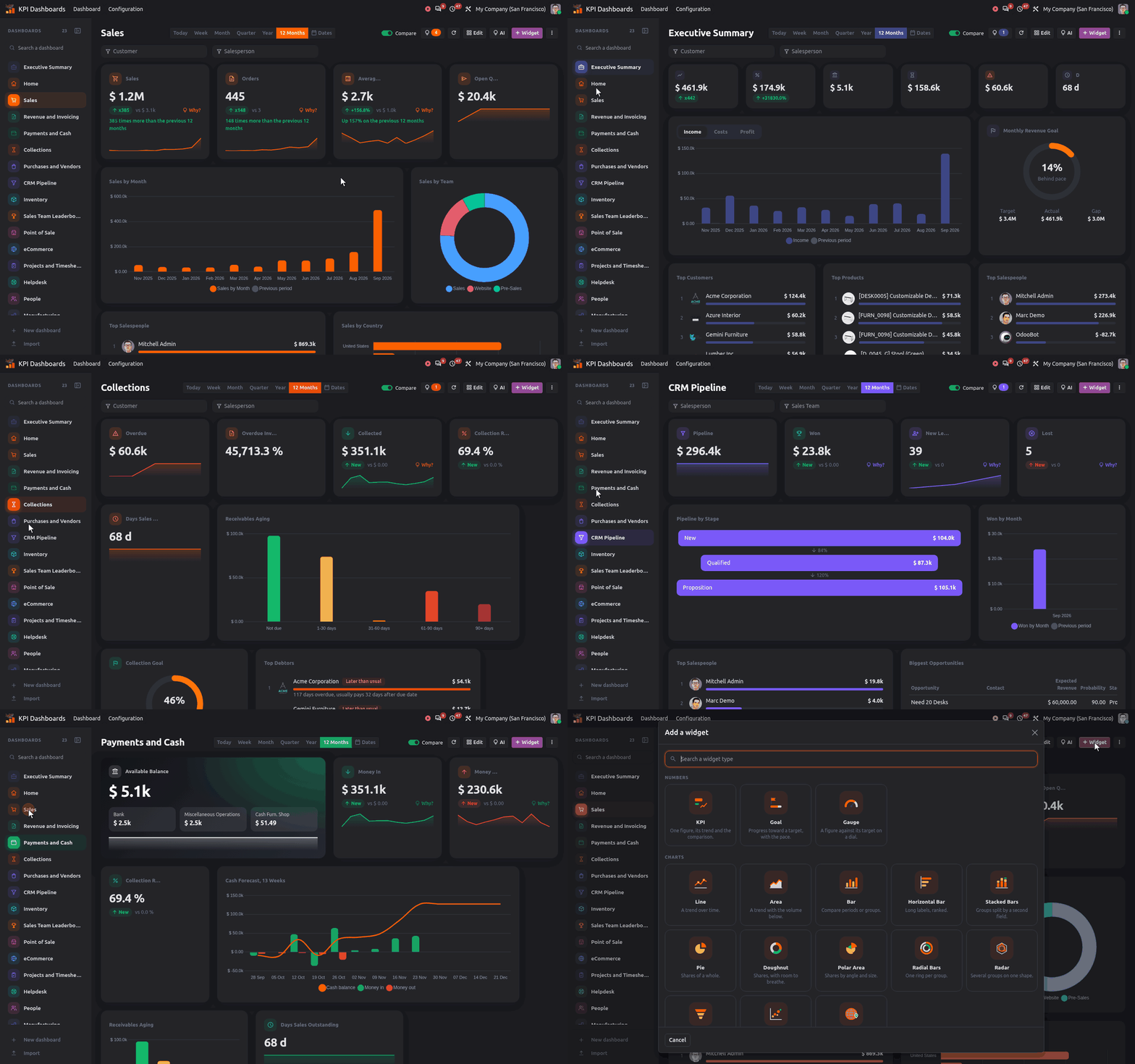
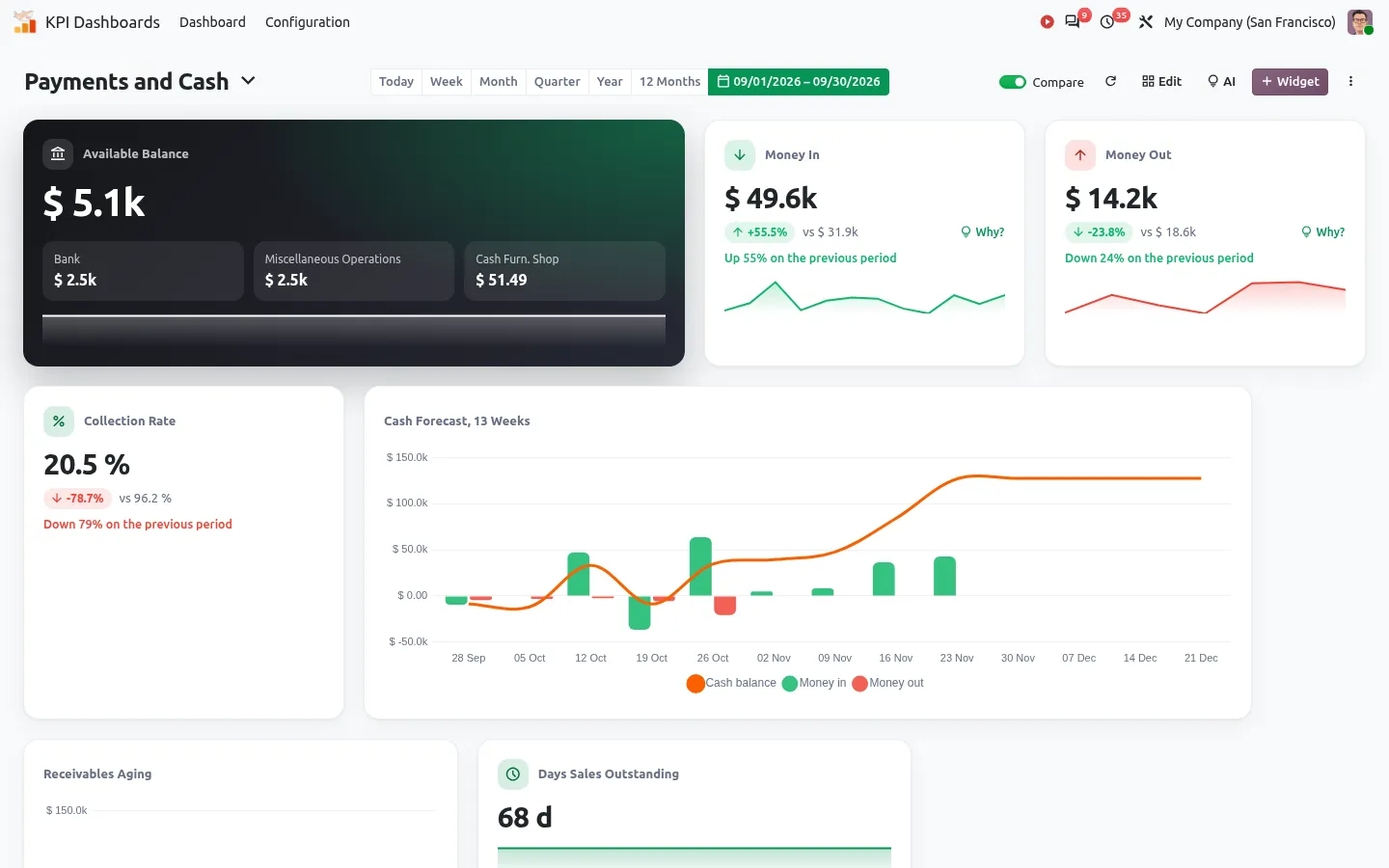
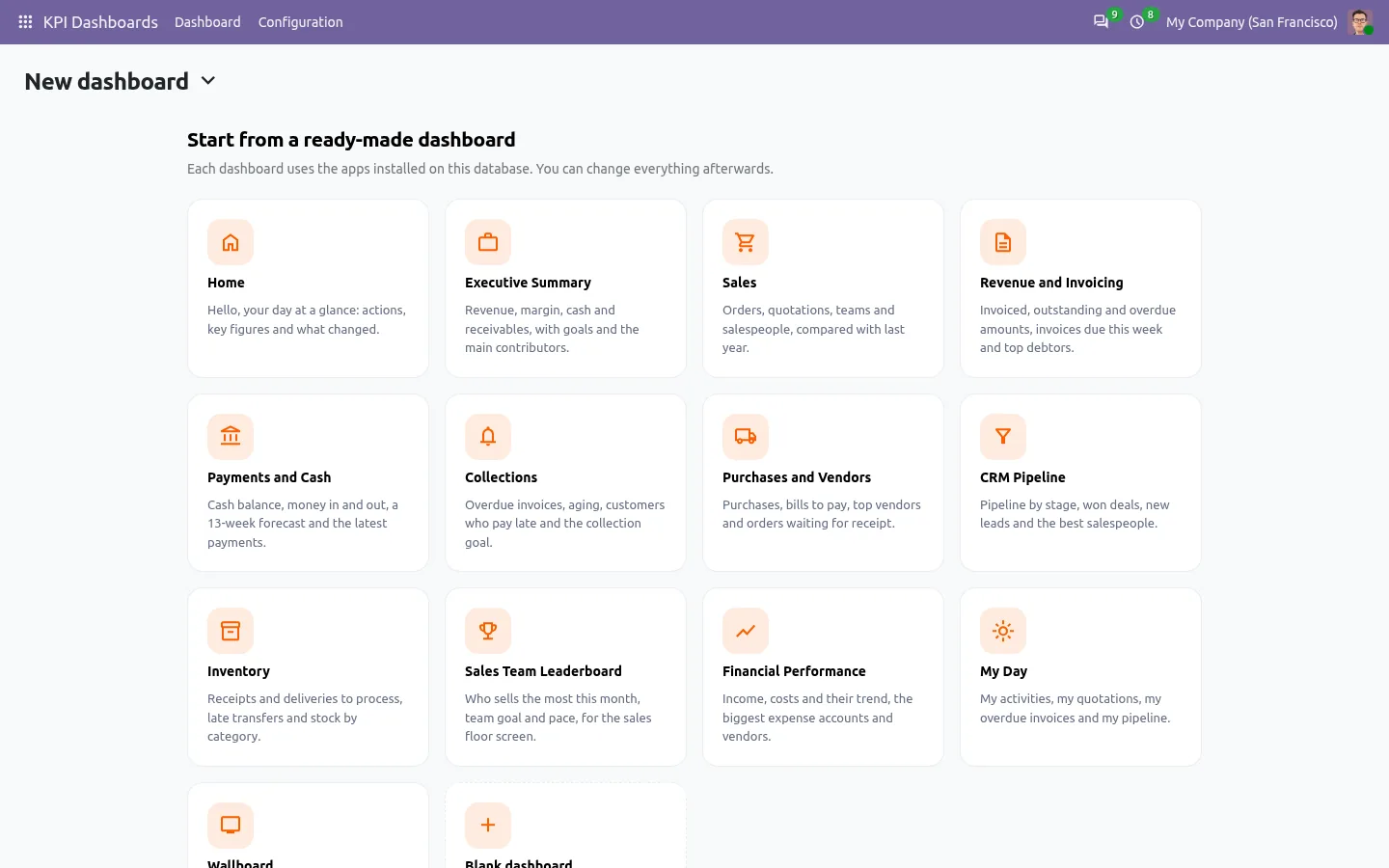
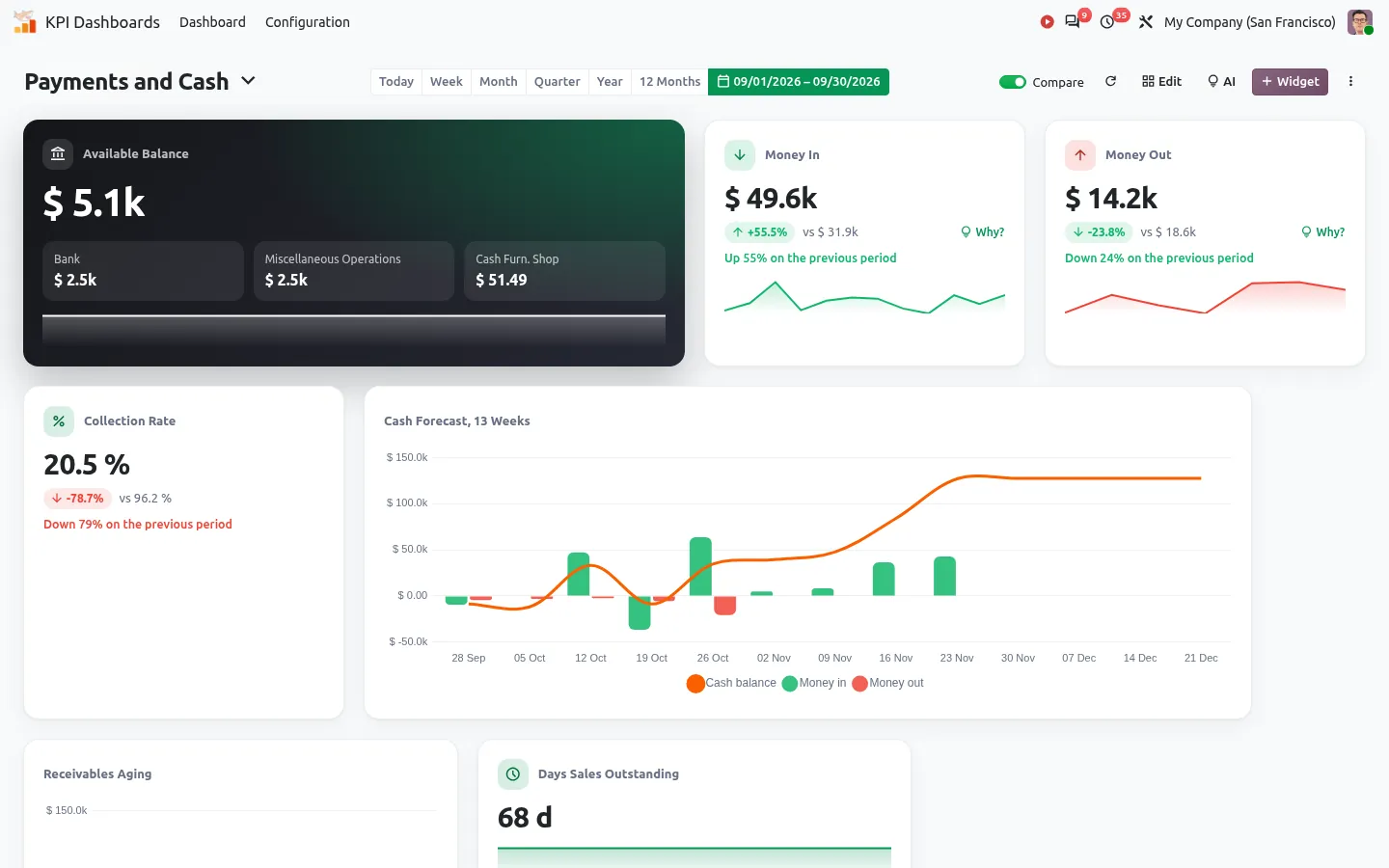
Dynamic Dashboard has a Cash Forecast widget, ready in its Payments and Cash dashboard:
- It starts from the balance of your bank and cash accounts today.
- Money in: the open customer invoices, placed at their due date plus the usual delay of each customer, measured on the payments of the last year. Overdue invoices count for this week.
- Money out: the open vendor bills, at their due date.
- A cash balance line week by week, for 13 weeks: the low point shows before you reach it.
Around it, the same dashboard shows the available balance per bank account, the money in and out of the period, the days sales outstanding, the receivables by age and the latest payments. Click any figure to open the records behind it.
Like any forecast, it is as good as your data: it counts posted invoices and bills. Salaries, rent or taxes that are not entered as bills yet are not in it.
Set it up in three steps
- Install Dynamic Dashboard.
- Create a dashboard from the Payments and Cash template.
- Post your invoices and bills as usual: the forecast follows them, and the late payers move by themselves.

100% tested
The apps ship with automated tests. No risk.
Which tool for which question
| Option | Answers | Limits |
|---|---|---|
| Cash Flow Statement | Where did the cash go? | The past only, Enterprise |
| Aged Receivable and Payable | Who owes what, how late? | No timeline, Enterprise |
| Invoices grouped by due date | What falls due each week? | Due dates, not payment dates, a spreadsheet to keep |
| Dynamic Dashboard | How much cash in 1 to 13 weeks? | An app to install, not on Odoo Online |
Questions people ask
Does Odoo have a cash flow forecast?
Odoo Enterprise has a cash flow statement for past periods, aged receivable and payable reports, and a short term cash forecast figure in its executive summary. A week-by-week forecast takes a spreadsheet, or an app.
Does it work with Odoo Community?
Yes. Dynamic Dashboard works in Community and Enterprise, from Odoo 11 to Odoo 20, with the Invoicing app, on Odoo.sh or on your own server. Not on Odoo Online, which does not accept third-party modules.
How does it know when a customer will pay?
It looks at the payments of each customer over the last year and measures how many days after the due date they usually pay. That delay moves their open invoices in the forecast.
Are sales orders in the forecast?
No: the forecast counts posted invoices and bills, the money that is certain. Invoice your orders as you deliver them, and they enter the forecast.
Can I see it in several currencies?
The forecast is shown in your company's currency, with the amounts of the invoices converted as Odoo records them.
Building your own dashboard? See how to create a dashboard in Odoo. Chasing late payers? See how to print invoices and reminder letters automatically.
See the low point before it comes
Your bank balance, the invoices you will collect and the bills you will pay, on one line: plan the next 13 weeks instead of discovering them.
A question before you buy? Write to support@sharqix.com, we answer within one business day.