
You try to delete a customer, a product or a user, and Odoo stops you: "The operation cannot be completed: another model requires the record being deleted. If possible, archive it instead." The exact sentence appears in dozens of threads on the Odoo forum. It is not a bug: it is Odoo protecting your history. This guide explains what the message tells you, how to find what still uses the record, and what to do instead.
What the message means
Many Odoo records point to others: a sales order points to its customer, an invoice line to its product. When another record still points to the one you delete, the database refuses, so that the order does not lose its customer. Odoo then shows the message, in one of two wordings depending on the version:
- Odoo 15 to 18: "another model requires the record being deleted. If possible, archive it instead", followed by Model and Constraint.
- Odoo 19: "Another model is using the record you are trying to delete", followed by The troublemaker is and Thanks to the following constraint.
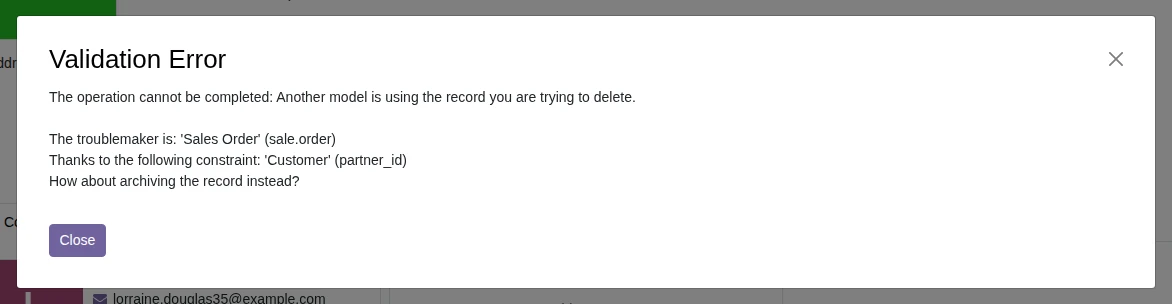
Read the message to find what blocks
The two last lines tell you where to look:
- The model, or troublemaker, is the kind of record that still uses yours: here a Sales Order (sale.order).
- The constraint names the field that holds the link: here Customer (partner_id). In Odoo 15 to 18, it is a technical name such as sale_order_partner_id_fkey: the table, then the field.
Open that model, filter on that field with your record, and you see what still uses it. On a customer or a product, the buttons at the top of the form, such as Sales or Invoiced, often show it at once.
Some records have their own check before the database: Odoo refuses to delete a contact used in Accounting, for example, with a message that says so.
Archive instead of delete
Most of the time, you do not want the record gone, you want it out of the way. That is what archiving does:
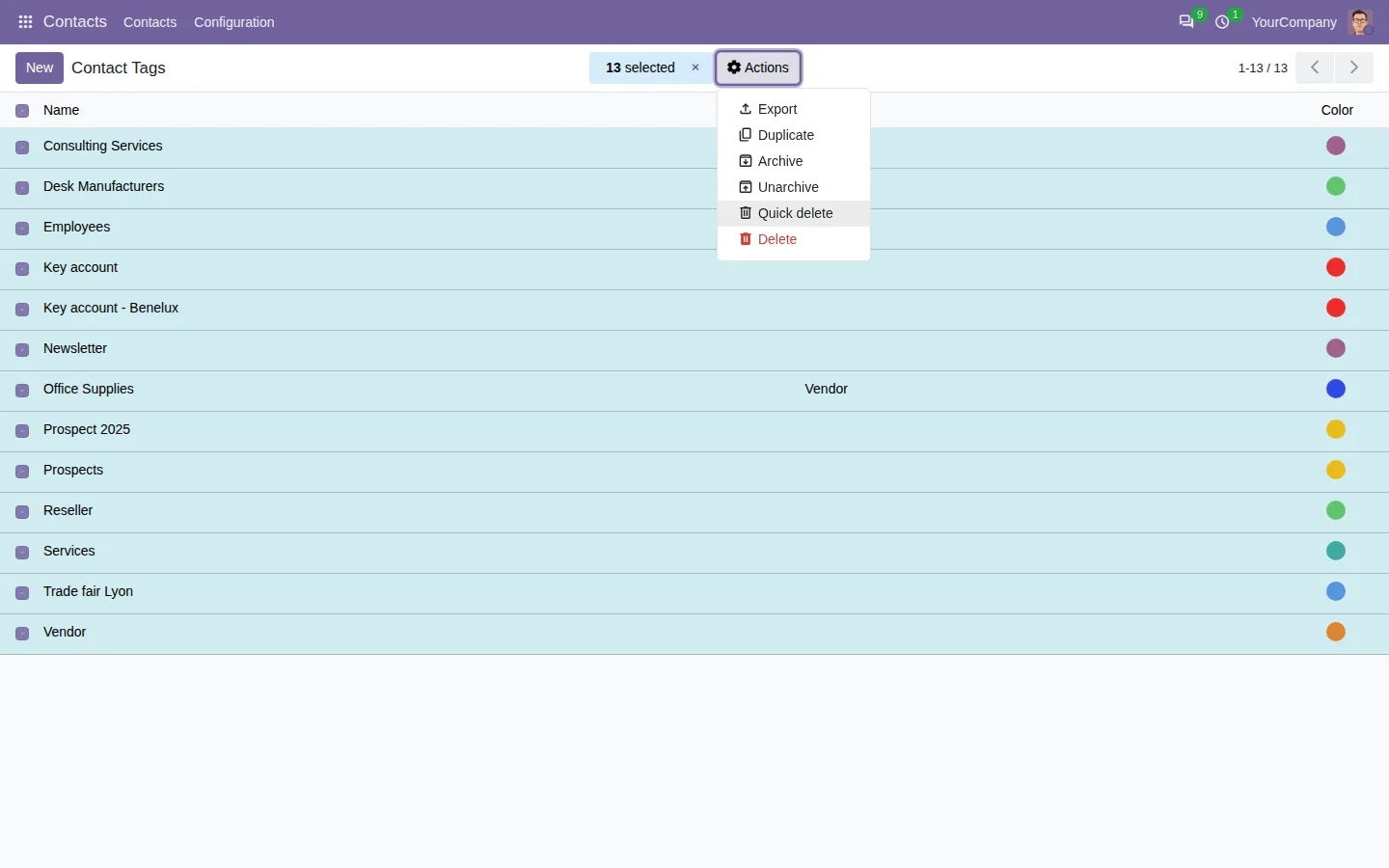
- Select the record, then Actions > Archive. It disappears from lists, searches and the choices of new documents.
- Orders, invoices and moves keep pointing to it: your history stays intact.
- To find it again, use the Archived filter, and Unarchive it.
Archiving works on records with an Active field: contacts, products, users, and many more. A record that is really a mistake, with nothing linked to it, can still be deleted.
Where it gets annoying
- Delete 20 contacts at once and one of them has an order: Odoo deletes none of them, and you search which one blocks.
- The user tries Delete first, reads the error, then has to go back and archive: two trips for every record.
- Nothing tells you afterwards who tried to delete what.
Before
Select 20 contacts, Delete, read the error, find the one that blocks, start again, archive it by hand.
After
The free records are deleted, the used ones are listed by name, and contacts can be archived in the same click.
Delete what can go, archive the rest
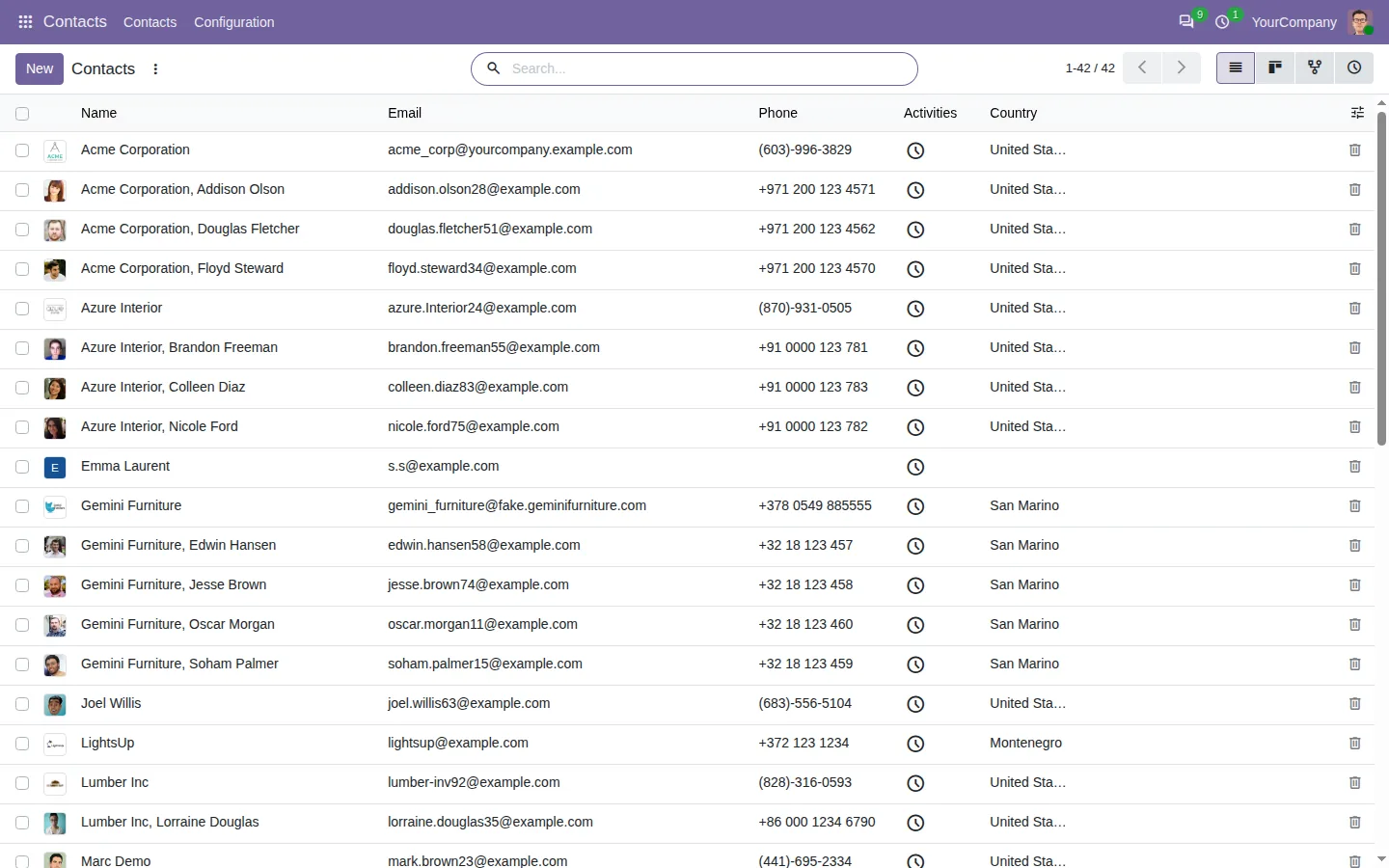
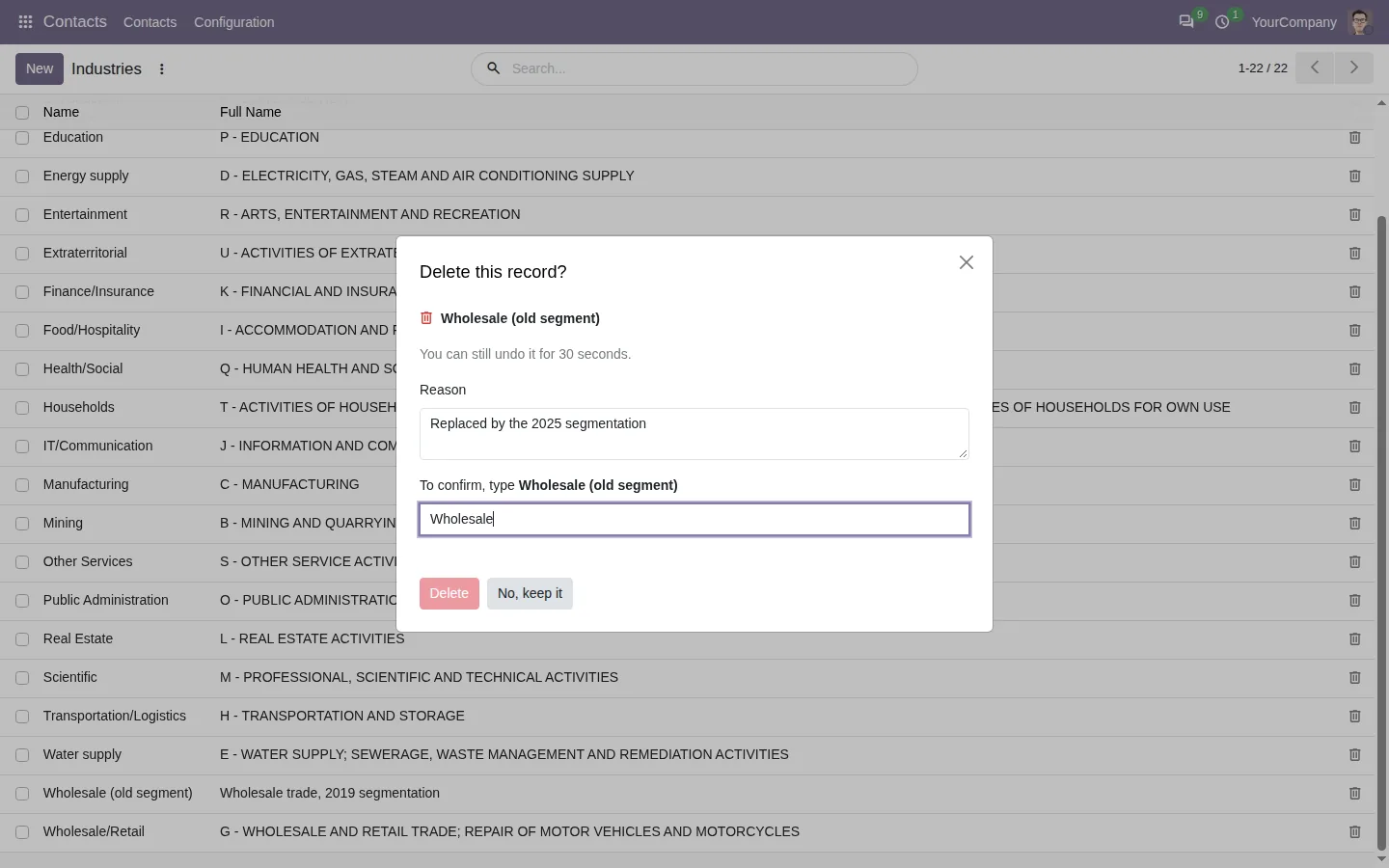
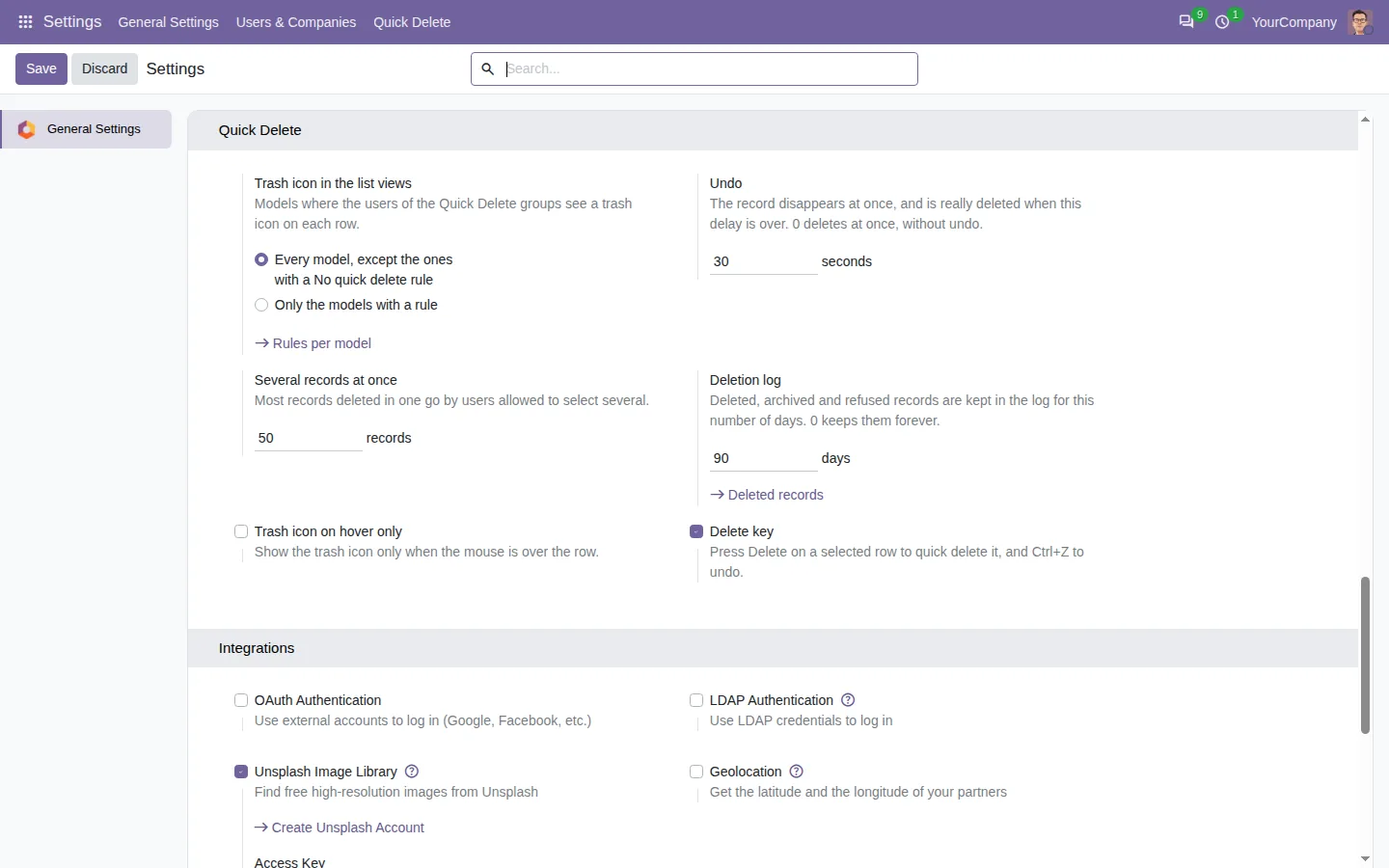
Quick Delete adds a trash icon to every row of a list, and handles this error for you:
- One record does not block the others: when you delete several records, those that are free are deleted, and a Not deleted message lists the others by name, with the reason.
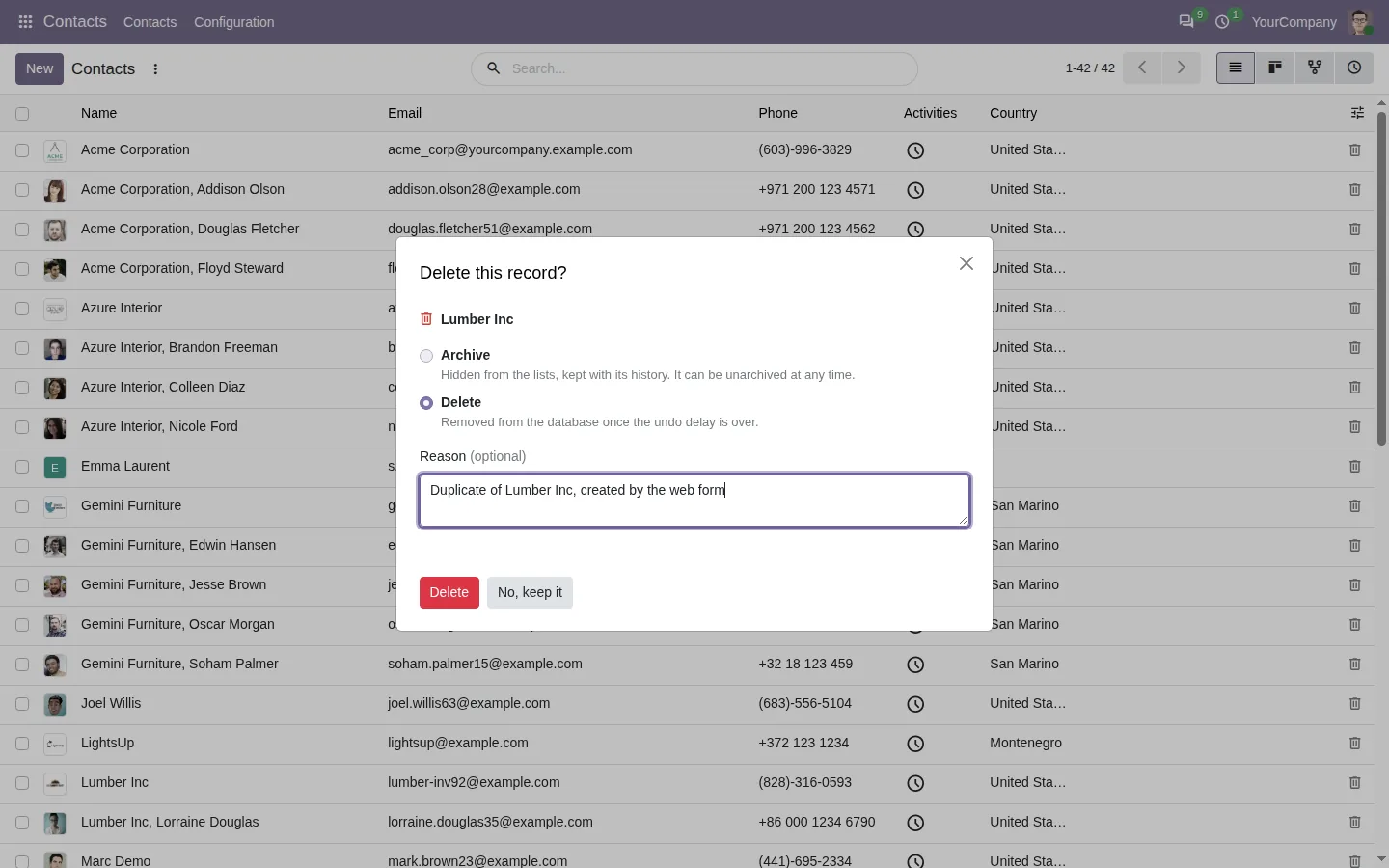
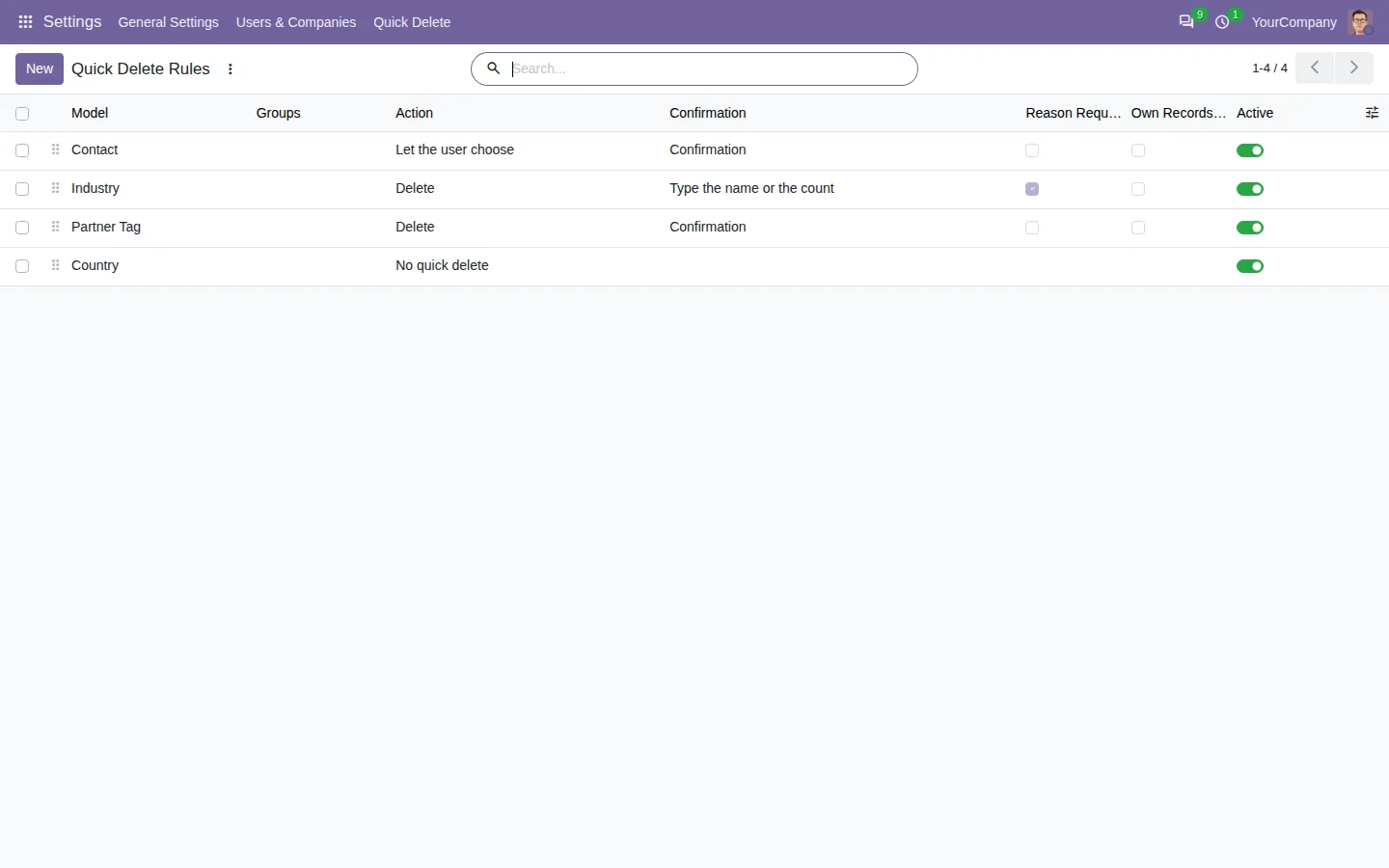
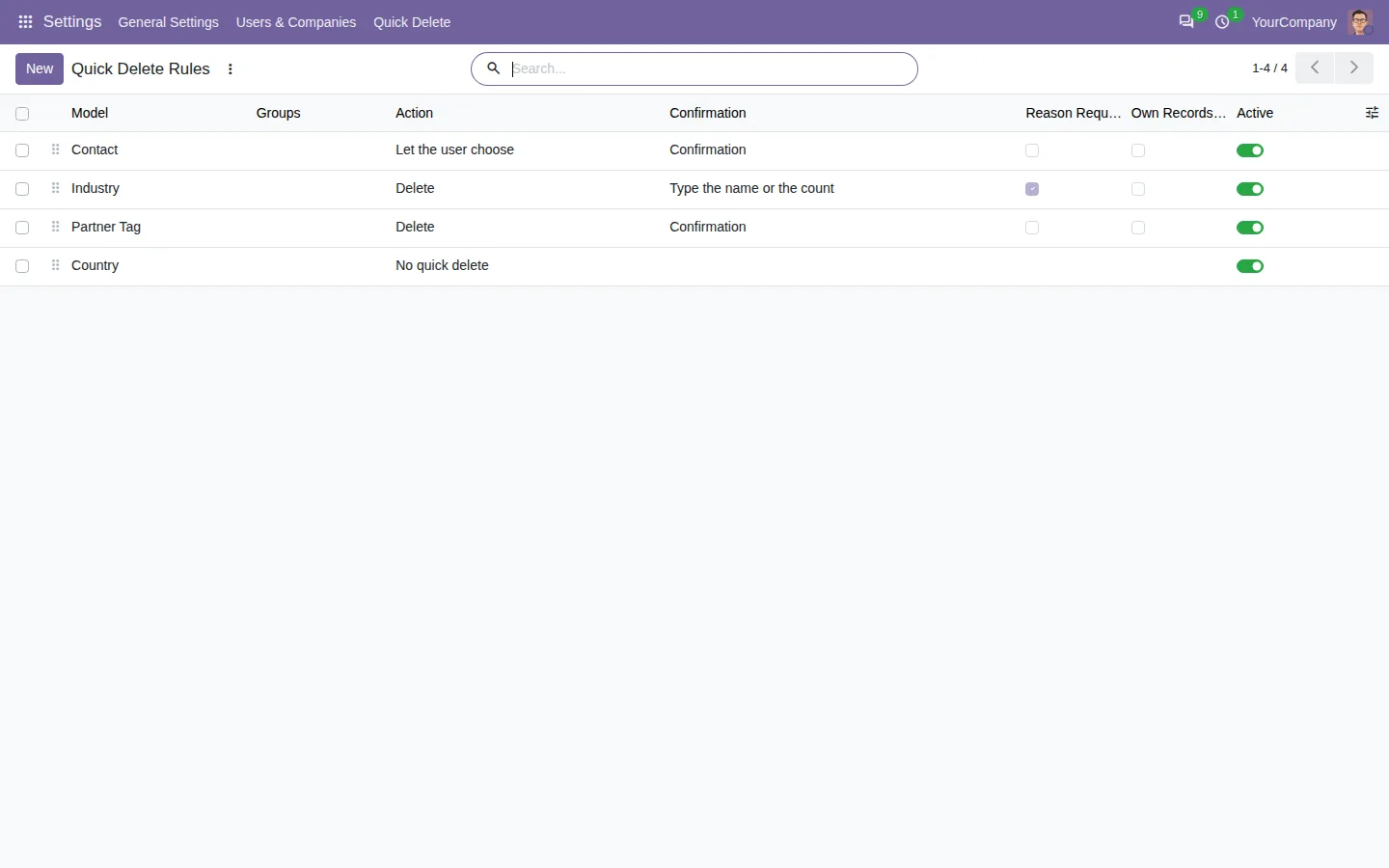
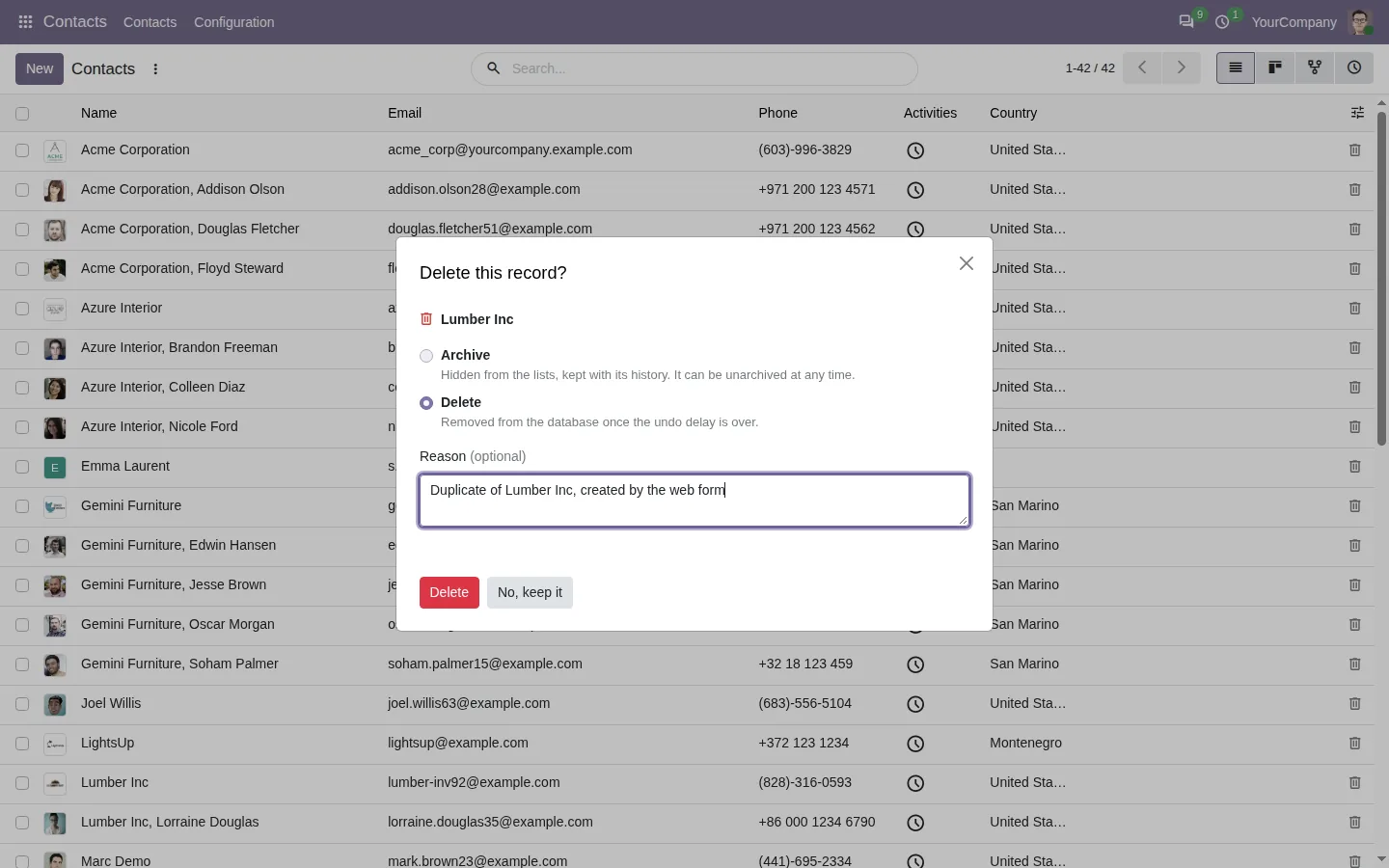
- A rule per model: on contacts or products, choose Archive to always archive, or Let the user choose to ask at each click. On the models you protect, turn quick delete off.
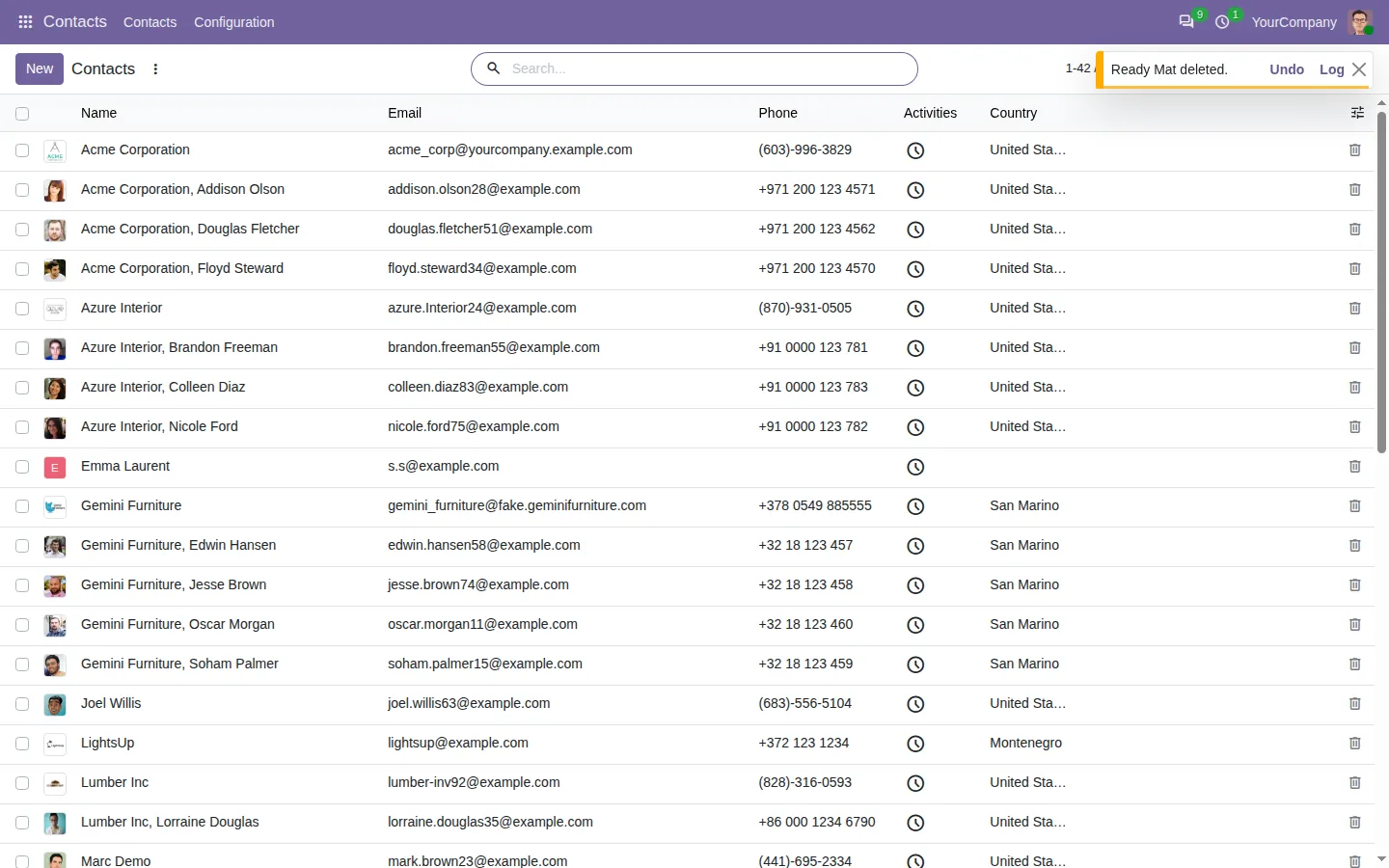
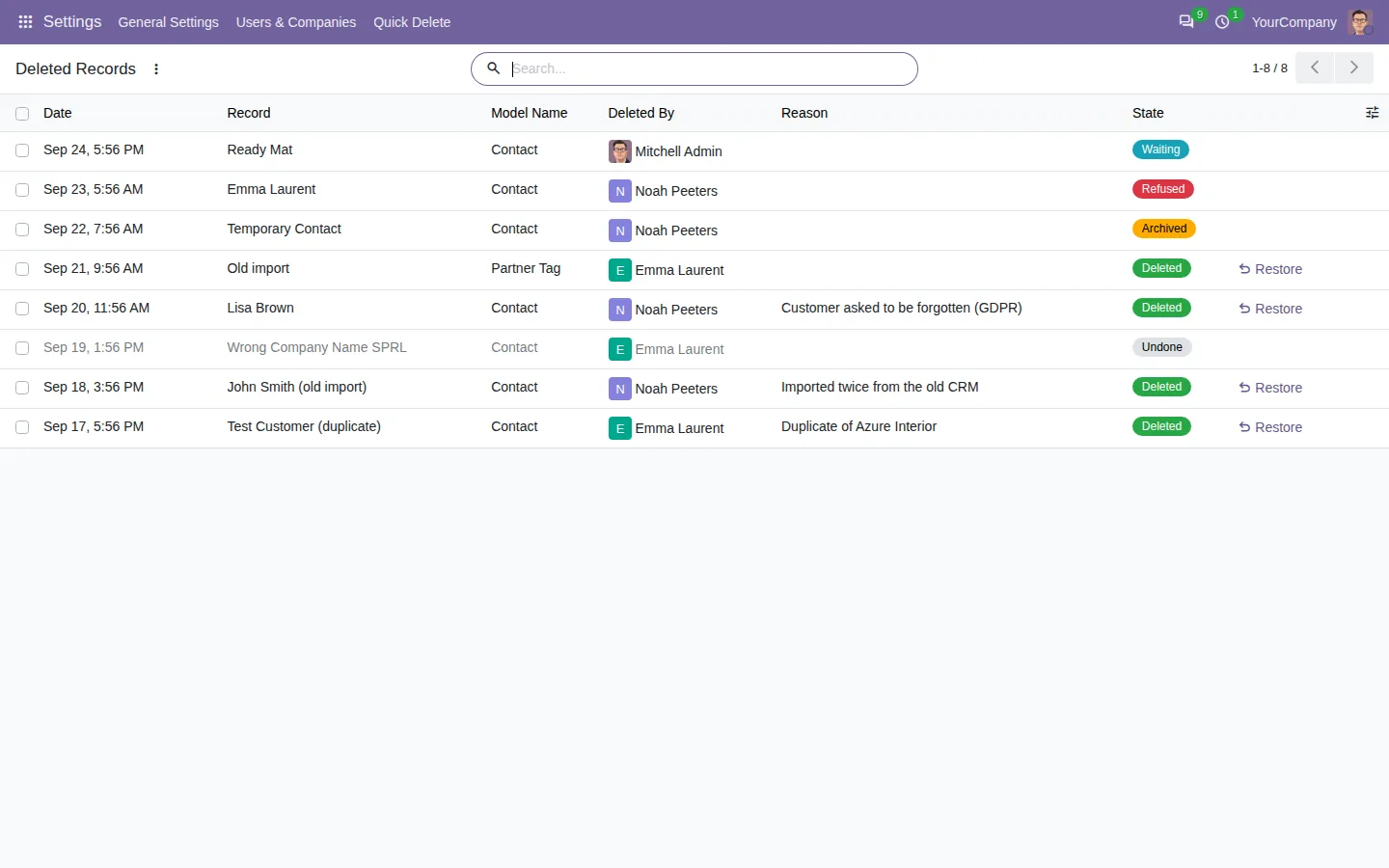
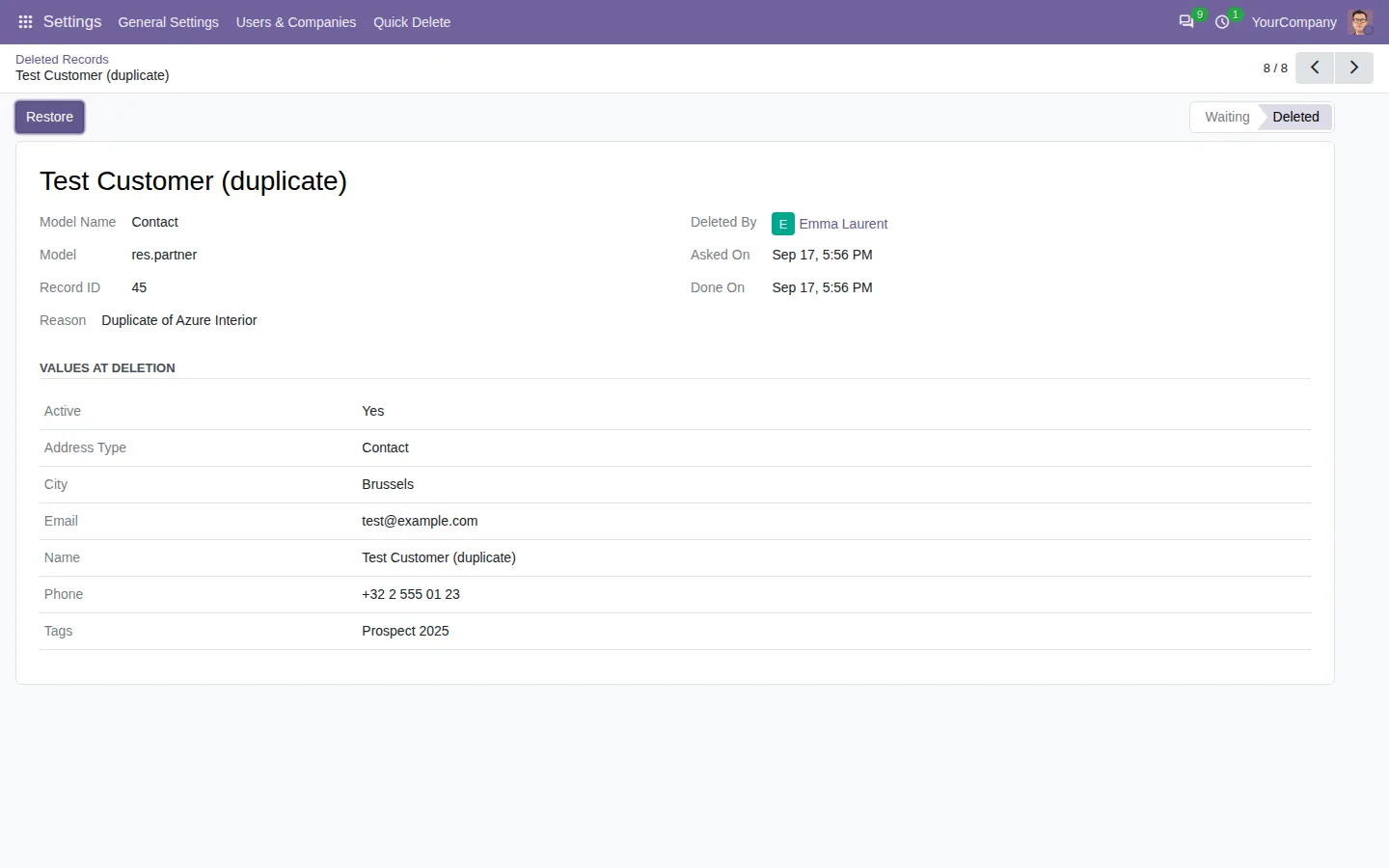
- A deletion log: who deleted or archived what, when, and what was refused. A deletion can be undone for a few seconds, and restored later from the log.

100% tested
The apps ship with automated tests. No risk.
Questions people ask
Can I force Odoo to delete the record anyway?
Not from the interface, and you should not: the records that use it would lose their link. Delete or reassign those records first, or archive yours.
What if the record has no Archive action?
Records without an Active field cannot be archived. Look at what uses them: often, the right move is to cancel or change those documents, then delete.
Why does Odoo say "Missing required value" when I delete?
Same cause, another rule: a record that uses yours needs that field, so it cannot simply be emptied. The message says it in its delete line: another model requires the record being deleted.
Does archiving keep the history?
Yes. Orders, invoices and messages keep the archived record, which you can unarchive at any time.
Does Quick Delete work with Odoo Community?
Yes. Quick Delete works in Community and Enterprise, for Odoo 18, 19 and 20, on Odoo.sh or on your own server. Not on Odoo Online, which does not accept third-party modules.
Deleted something by mistake? See whether there is a recycle bin in Odoo. Deleting from the list in one click? See how to delete a record from the list view.
Keep the history, lose the clutter
The error protects your orders and invoices. Archive what you no longer need, and let the free records go in one click.
A question before you buy? Write to support@sharqix.com, we answer within one business day.