
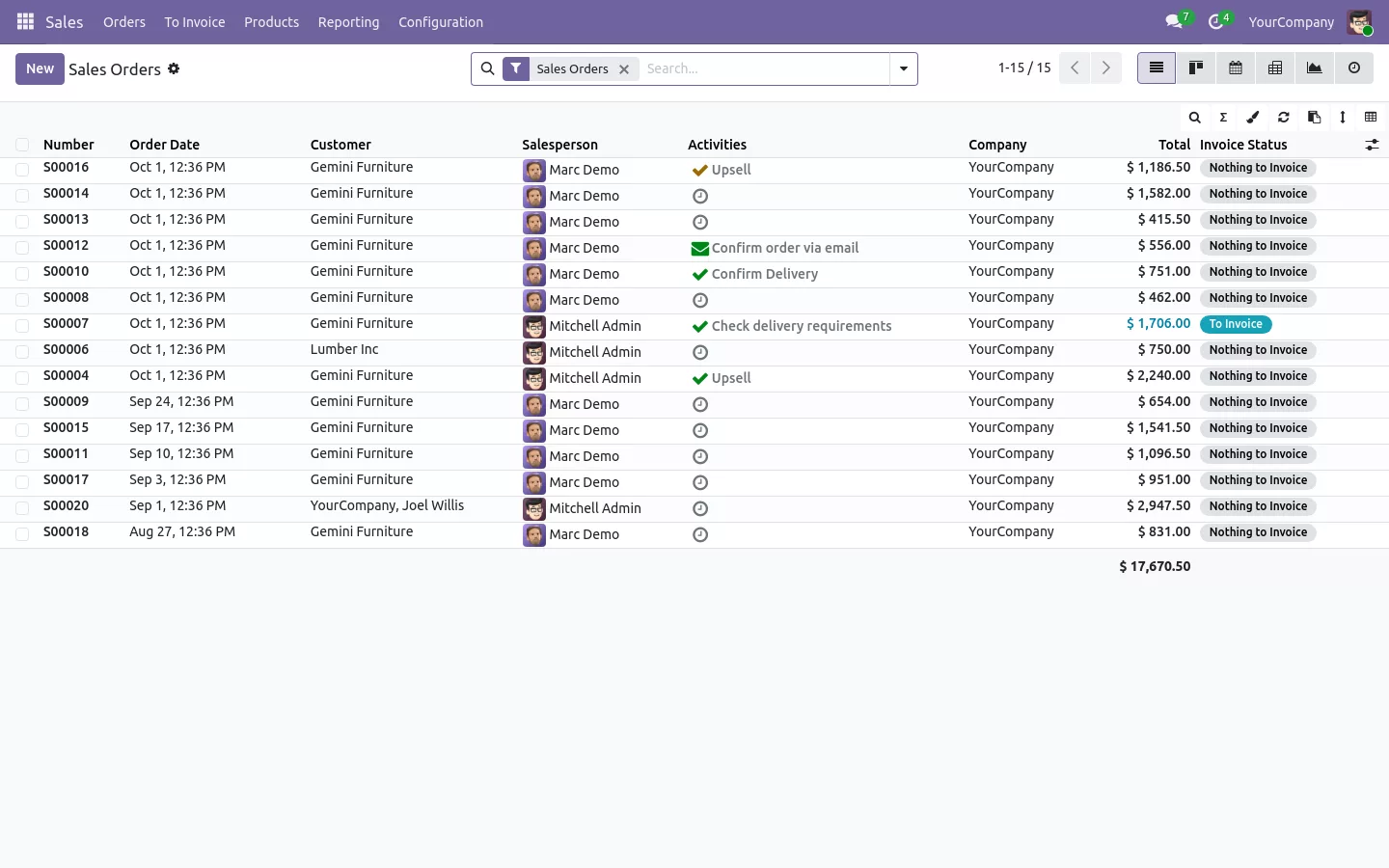
"How do I display the total under a column in a list view?" is one of the most read questions on the Odoo forum. Two things surprise people: the total only shows up under the columns the view asks for, and even there it adds up the page on screen, not the whole list. This guide explains both, the native ways to add a total, and how to get the total of every record.
Why some columns have a total and others none
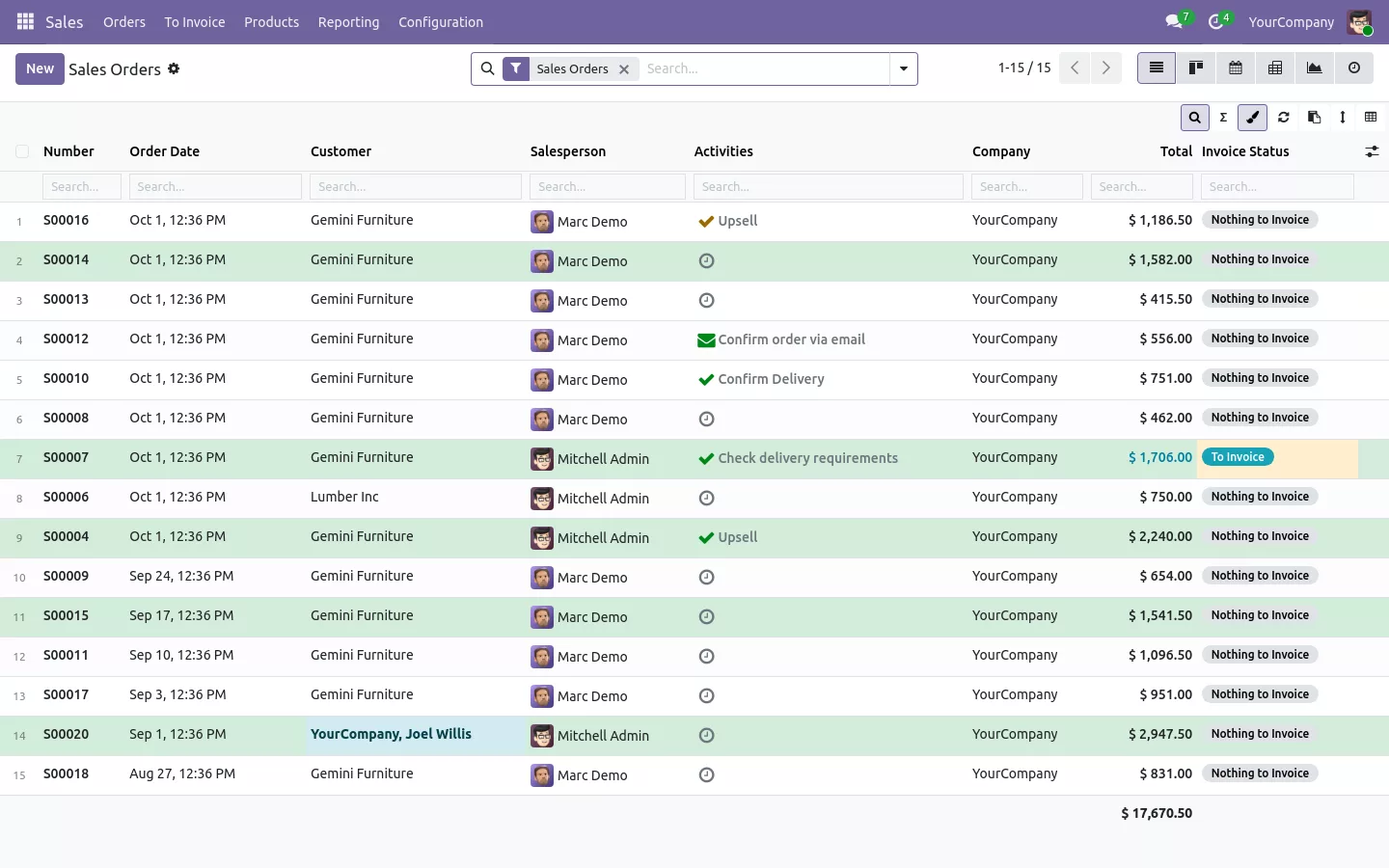
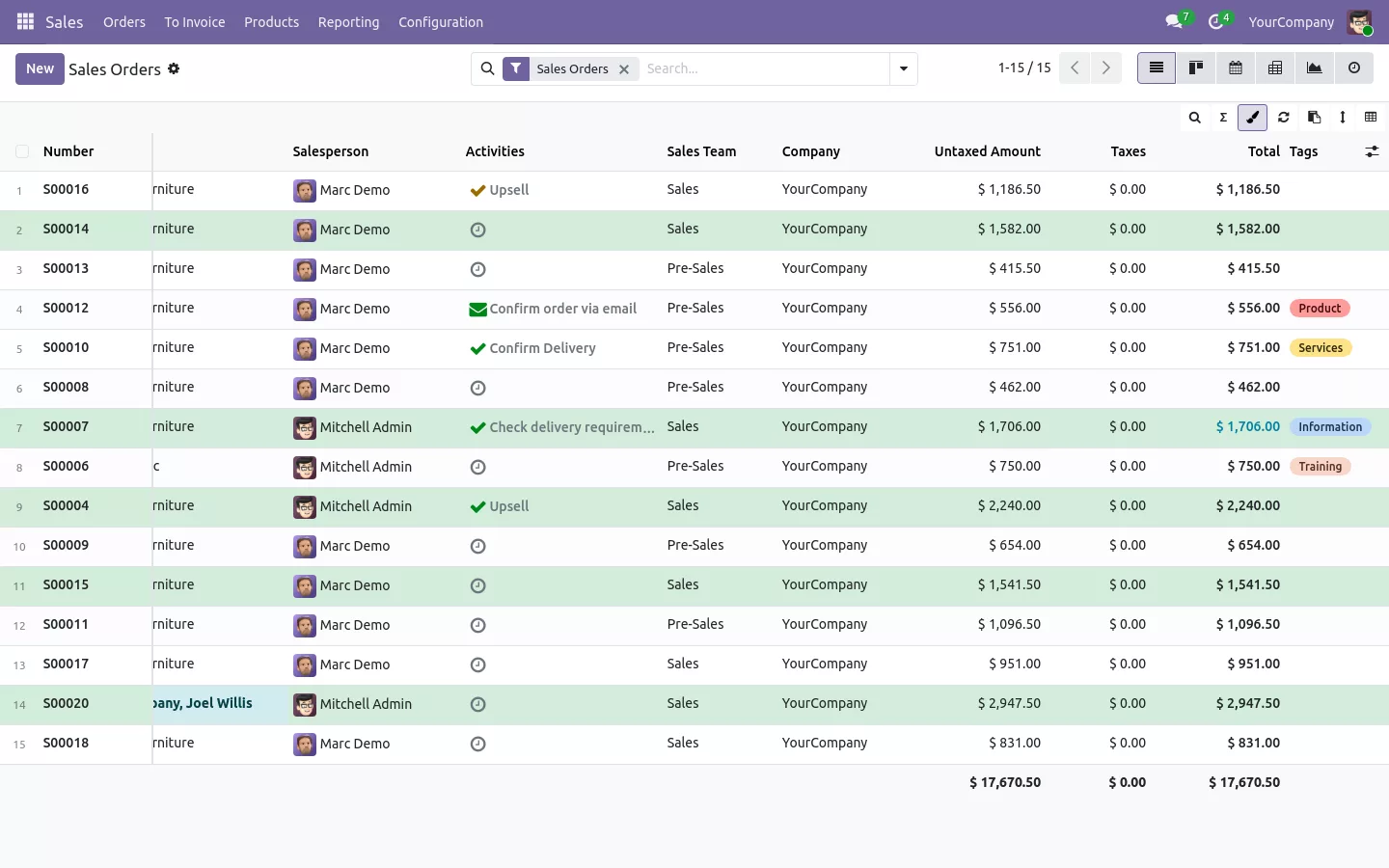
Odoo shows a total under a column only when the list view says so, with a sum attribute on the field (or avg, min, max). The sales order list has one on its amounts, so you see the total of the orders. Most other columns have none: no total, even for a quantity or a price.
Three native ways to add a total
1. With Studio (Odoo Enterprise)
Open the list in Studio, click the column, and in its properties set Aggregate to Sum or Average. The total appears for everyone using this view.
2. With an inherited view (developer)
Without Studio, add the attribute to the column in a view that inherits the list. The text of the attribute is the tooltip of the total:
<record id="my_list_total" model="ir.ui.view">
    <field name="name">my.model.list.total</field>
    <field name="model">my.model</field>
    <field name="inherit_id" ref="my_module.my_list_view"/>
    <field name="arch" type="xml">
        <field name="my_amount" position="attributes">
            <attribute name="sum">Total</attribute>
        </field>
    </field>
</record>
Use avg instead of sum for an average. Put it in a module, or create the inherited view in developer mode: editing the original view directly is lost at the next update.
3. By grouping the list
No setup at all: group the list by any field, a customer or a month. Each group row shows the subtotal of every record in the group for the number columns, not only the loaded ones. It is the quickest way to read a real total, at the cost of a grouped list.
The catch: the total counts the page, not the list
Without grouping, the footer adds up the rows loaded on screen: 80 by default. With 500 invoices in the search, the total is the one of the first 80, and nothing on screen says so. Select rows and the footer shows the total of the selection, again among the rows loaded. To get the real figure, people export to a spreadsheet or open a report.
Before
Ask for a Studio change or a developer. Read a total that counts the page. Export to a spreadsheet to get the real figure.
After
Pick Sum under any number column and read the total of every record.
A total on any column, of every record
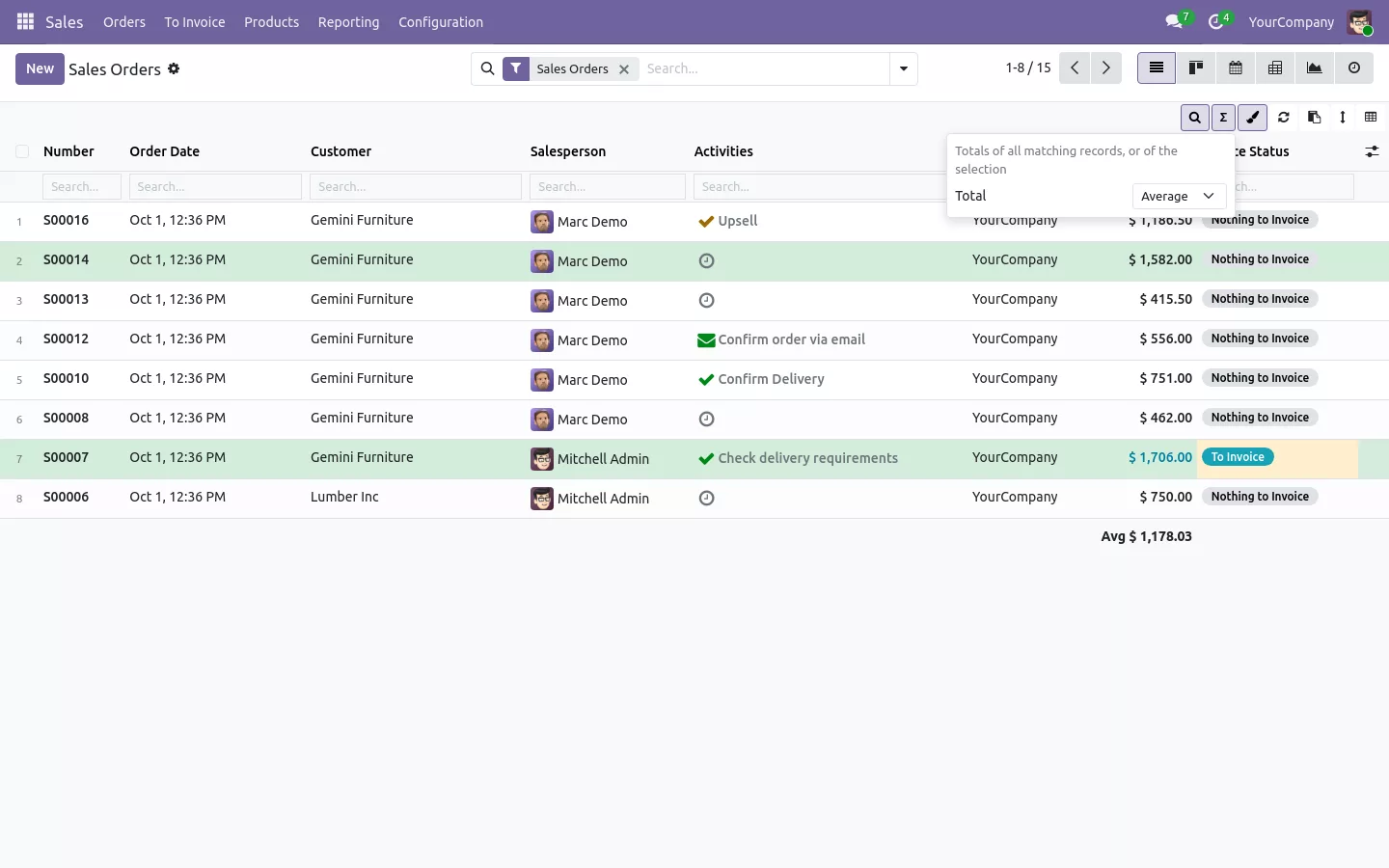
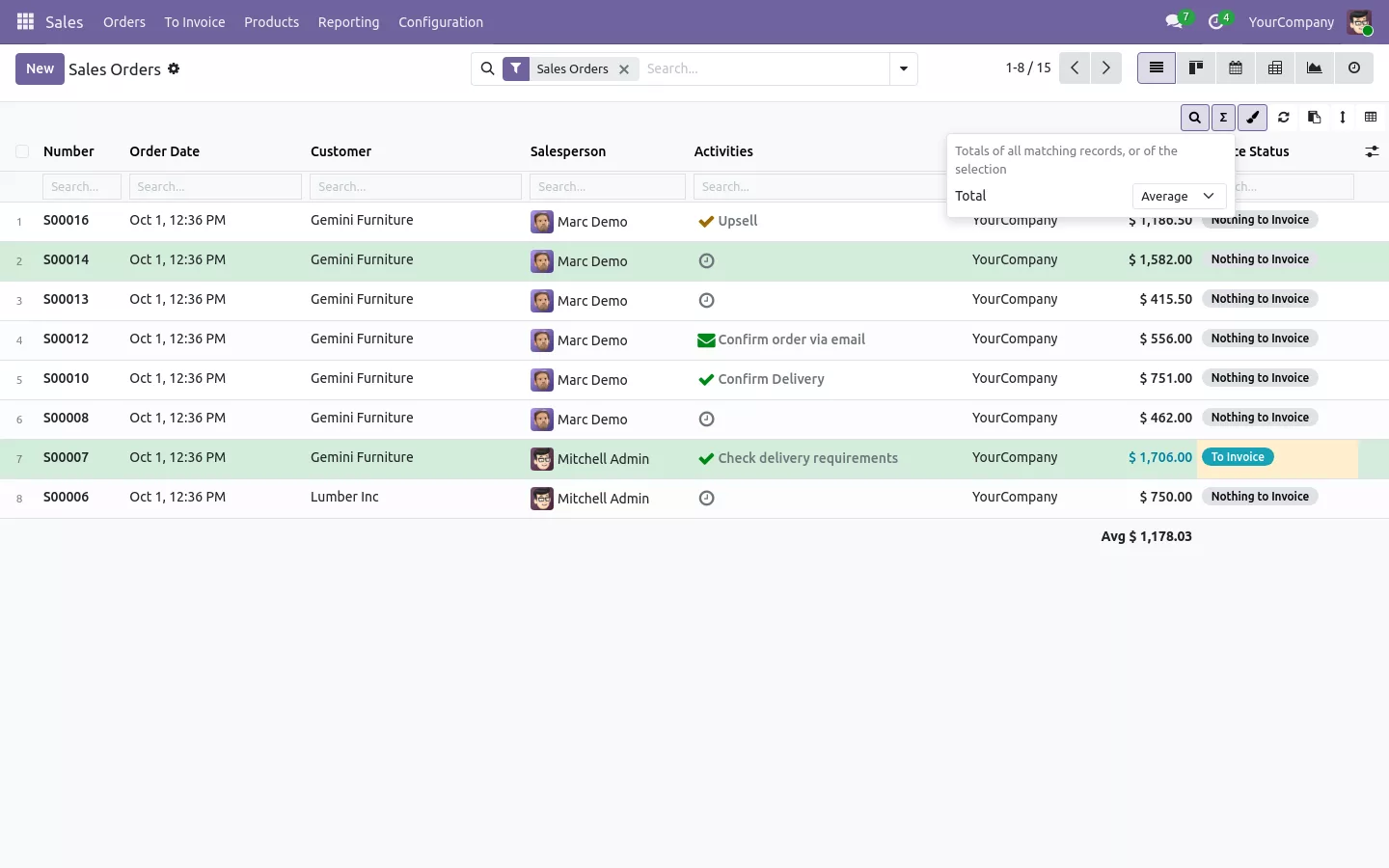
List View Manager adds a Σ button above every list view. Each number column gets its choice: Sum, Average, Minimum, Maximum or nothing.
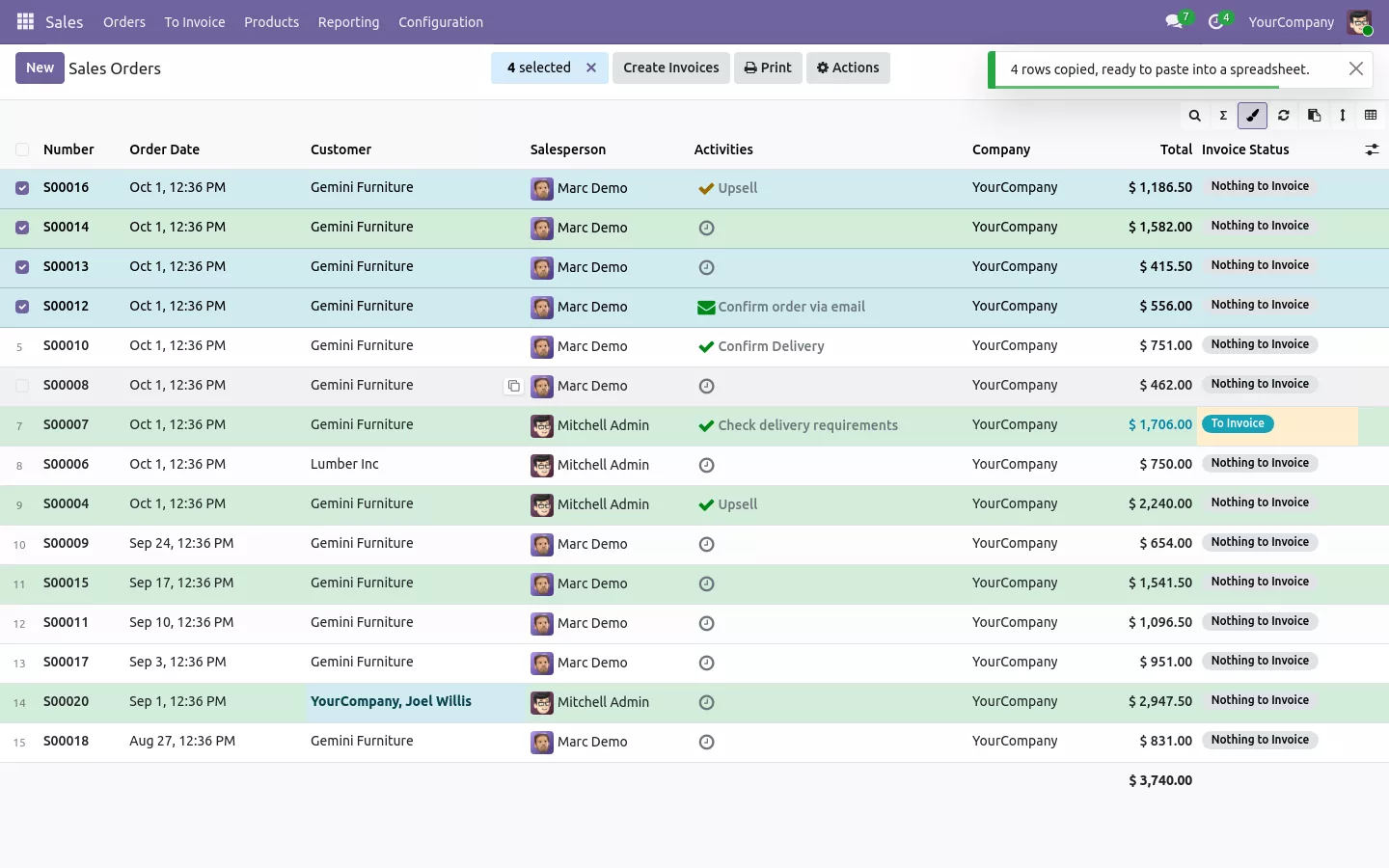
- The footer gives the total of every record that matches the search, computed by the server, even when the pager shows 80 of 512. A tooltip tells how many records it counts.
- Selected rows get their own total, like the status bar of a spreadsheet.
- Grouped lists follow the same choice: an average per customer, a maximum per month.
- Each user keeps their choice on every list, and administrators can publish a default layout for a user group.
- Amounts in several currencies are converted into the currency of the company on Odoo 19 and 20. On Odoo 18, which cannot convert them, the total is left out instead of being wrong.

100% tested
The apps ship with automated tests. No risk.
Which way for which need
| Way | Total of | Who can do it |
|---|---|---|
| Studio | The page on screen | An administrator, Enterprise only |
| Inherited view | The page on screen | A developer |
| Grouping | Every record, per group | Any user, on a grouped list |
| List View Manager | Every record of the search, or the selection | Any user, on any list, Community or Enterprise |
Questions people ask
Why does the total of my list not match my report?
Because the footer of a list adds up the rows loaded on screen, 80 by default, while a report counts every record. Group the list, raise the number of rows shown, or use a total computed on every record.
Can I add up a computed field?
Only if the field is stored. A computed field that is not stored is not in the database, so neither a grouped list nor a total of every record can add it up.
Does it work with Odoo Community?
Studio needs Enterprise. The inherited view, grouping and List View Manager work in Community and Enterprise. List View Manager runs on Odoo 18, 19 and 20, on Odoo.sh or your own server, not on Odoo Online.
Can I show an average instead of a sum?
Yes: the avg attribute in the view, Average in Studio, or Average in the Σ menu of List View Manager, which also offers the minimum and the maximum.
The same app adds the columns you need without Studio: see how to customize list views in Odoo without Studio, and an Odoo list view that works like Excel.
The real total, under the right column
No Studio, no developer, no export: choose the total of each column and read the figure of the whole search.
Every feature and screenshot on the app page.
A question before you buy? Write to support@sharqix.com, we answer within one business day.